

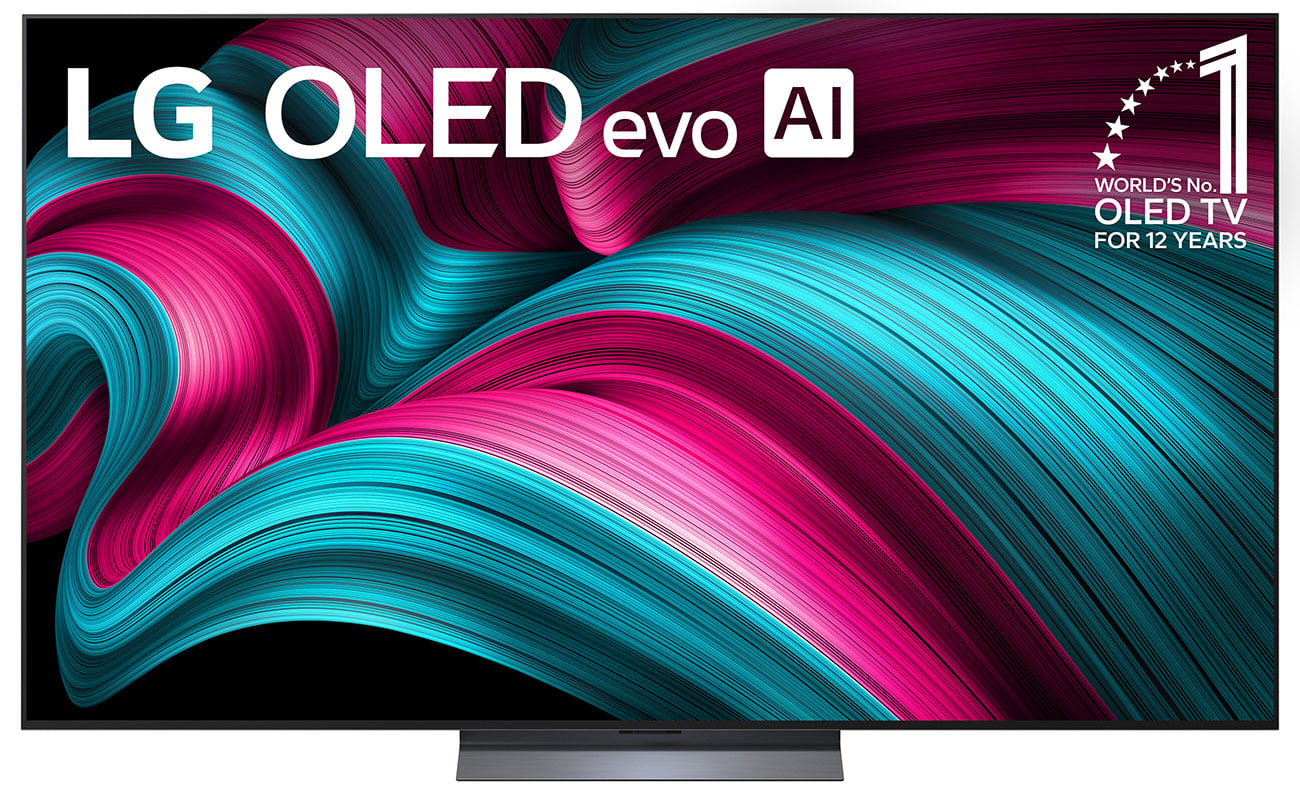
This in-depth LG C5 OLED review asks a simple question: does LG’s 2025 mid-range OLED still deserve its crown? Released in March 2025, the C5 pairs an OLED evo panel with 8.3 million self-lit pixels, a full 144Hz gaming spec sheet, and Dolby Vision — and after steep price cuts, it now sits comfortably among the best gadgets of 2026 for home entertainment.
Across five major reviews — from lab-measured testing to thousands of verified buyer experiences — the same pattern emerges: reference-grade picture, elite gaming chops, and a few software annoyances worth knowing about. Here is the full picture.
LG C5 OLED Key Specifications
| Specification | Detail |
|---|---|
| Model (65″) | LG OLED65C5PUA |
| Sizes | 42, 48, 55, 65, 77, 83 inches |
| Panel | OLED evo (EX), 8.3 million self-lit pixels |
| Processor | Alpha 9 AI Processor Gen8 with AI Super Upscaling 4K |
| Resolution | 4K Ultra HD (3840 x 2160) |
| Refresh rate | 120Hz native, up to 144Hz VRR; 0.1ms response time |
| HDR | Dolby Vision, HDR10, HLG (no HDR10+) |
| Audio | 2.2-channel 40W Dolby Atmos, AI Sound Pro, WOW Orchestra |
| Ports | 4x HDMI 2.1 (one eARC), 3x USB 2.0, Ethernet, optical, 2x RF |
| Wireless | Bluetooth 5.3, Wi-Fi, Apple AirPlay, Google Cast |
| Smart platform | webOS 25 |
| Released | March 2025 |
The C5 sits squarely in the middle of LG’s 2025 OLED range: above the entry-level B5, below the flagship G5 and M5. That positioning matters, because it gets the headline gaming hardware of the flagships without the flagship price.
Design and Build Quality
Out of the box, the C5 looks every bit the premium set. Its frame carries a crisp metallic finish, and the screen tapers to just a few millimeters at the outer edge — a genuinely futuristic look. Around the back, LG even finished the panel in a faux black marble texture you will rarely see, but it speaks to the build quality.
The stand uses a brushed metal plate on its visible front half and hard plastic behind, and it is sturdy enough despite not being full metal. One practical win: all four HDMI 2.1 ports sit on the side of the screen, easily reachable even when wall-mounted — something rival brands often get wrong by recessing ports behind the panel.
Be warned that the set is heavy — the 65-inch model weighs 36.6 pounds without its stand — so have a second pair of hands ready for setup. The remote is the weakest link: it is light, flimsy, and not backlit. The US gets a new AI Magic Remote with AI Home Hub and Accessibility buttons, while UK buyers get an updated version of the older Magic Remote. Verified owners also flag a missing mute button, a motion pointer that cannot be disabled, and scroll wheels that have failed within three to seven months of normal use.
Picture Quality
SDR Performance
Color accuracy is near reference level straight out of the box. Lab testing in Filmmaker Mode measured a Delta E average of just 0.32 (max 0.78) with all extra processing off — excellent for an uncalibrated set. Coverage hits roughly 97% of DCI-P3, with another reviewer measuring 99.4% of the UHDA-P3 space and 75.1% of BT.2020.
The image is sharp with strong color volume, and colors stay accurate and balanced rather than oversaturated, keeping a natural, cinematic presentation. The one caveat: peak brightness measured around 600 nits in SDR, so the picture can feel a touch dark in a bright room.
HDR and Brightness
This is where the C5 shows its biggest generational leap. Measured HDR peak brightness hits 1,185 nits in Filmmaker Mode and 1,201 nits in Standard — a remarkable jump over the C4’s 1,060 and 920 nits. The OLED evo panel’s Brightness Booster (absent on the 42- and 48-inch models) does real work here.
Perfect blacks with zero blooming or haloing remain OLED’s party trick, and the C5 executes it flawlessly. Shadow detail stays well defined without crushing — dark scenes in content like The Batman hold every detail while blacks stay inky. Dolby Vision looks gorgeous, with more controlled, slightly more impactful highlights than previous C-series models.
Still, physics is physics: a 10% HDR window measured around 1,000 nits, and some scenes never cleared 300 nits. Mini-LED rivals pushing 2,000 to 3,000+ nits will always win a sunlit living room. The C5 is a dark-room champion that handles moderate ambient light decently, especially with its UL-verified Discomfort Glare Free rating.
Upscaling and Motion
The Alpha 9 Gen8’s AI Super Upscaling 4K genuinely impresses, cleaning up lower-resolution sources with a real brightness and sharpness boost. Standard-definition content (480p and below) gets tidied up but stays understandably pixelated, while HD broadcasts and older Blu-rays improve without artificial sharpening artifacts.
Motion handling is strong overall, with near-instant pixel response keeping fast action crisp. Occasional stutter in panning shots is fixable by switching to Cinematic Movement in the TruMotion settings, and OLED Motion Pro further improves clarity for sports and gaming.
Gaming Performance
If gaming is your priority, the C5 is arguably the most complete package at this price. You get 4K at 120Hz on consoles and up to 144Hz on PC, with VRR, NVIDIA G-Sync, AMD FreeSync Premium, ALLM, HGiG, and Dolby Vision gaming — all spread across four full-spec HDMI 2.1 ports.
That four-port count is a genuine differentiator: many rivals at this tier offer only one or two HDMI 2.1 inputs, forcing you to choose between a PS5, Xbox Series X, PC, and AV receiver. Here, everything connects at once. The 0.1ms response time and extremely low input lag make fast-paced play feel immediate, and the Game Optimizer dashboard — with its boost mode for minimizing lag — puts every setting one click away.
Real-world testing backs the spec sheet. Fast battle sequences in Battlefield V on Xbox Series X played smooth and immersive with no screen tearing or blur, while the panel’s contrast and color added visible depth to game environments. Cloud gamers are covered too, with Amazon Luna and GeForce Now apps built into the Game Quick Card.
Audio and Sound Quality
The built-in 2.2-channel, 40W Dolby Atmos system is better than TV-audio cynics expect. There is a genuine bass rumble — small, but real — and dialogue stays crisp and clear at lower volumes. In noisier, more chaotic scenes, however, dialogue can get harder to follow.
AI Sound Pro and WOW Orchestra (which blends the TV’s speakers with a compatible LG soundbar into one unified sound field) lift performance above the flat-panel average. But the honest consensus across every review is the same: the speakers are fine for casual viewing and completely outclassed by a dedicated soundbar for movies, sports, and music. Budget for one, using the eARC port or optical output.
Smart Features and Interface
webOS 25 arrives loaded with AI features: AI Search that finds content from natural-language questions, AI Concierge, AI Art, the AI Sound Wizard, and the AI Picture Wizard, which builds custom picture and sound profiles from your preferences. You also get LG Channels free, Google Cast and Apple AirPlay 2, plus Alexa, Apple HomeKit, Google Assistant, Matter, and ThinQ smart-home integration.
Opinions split on the experience itself. One camp calls webOS polished, fast, and highly configurable; the other found menus slow to navigate, boot times sluggish, and the layout cluttered — scoring the interface just 5/10. In practice, interface speed varies: wired Ethernet users report snappy menus, while some Wi-Fi users see multi-second delays.
Two friction points deserve honesty. Some apps and features sit behind a mandatory LG account with a lengthy privacy agreement flow, and verified buyers report promotional pop-ups and ads — including over third-party inputs — with the disable settings buried deep in the menus. If you prefer a frictionless smart layer, a streaming stick on one of those four HDMI ports solves most of it.
Pros and Cons
Pros
- Perfect OLED blacks with infinite contrast and no blooming
- Terrific brightness and color — a big leap over the C3 and C4
- Near-reference color accuracy out of the box (Delta E 0.32)
- Elite gaming: 4K 144Hz, 0.1ms, VRR, G-Sync, FreeSync Premium, four HDMI 2.1 ports
- Dolby Vision HDR with improved tone mapping
- Wide viewing angles with consistent image quality
- Excellent value after price drops — often near half of launch MSRP on sale
Cons
- Not as bright as top-tier QD-OLED, the LG G5, or premium Mini-LEDs in bright rooms
- No HDR10+ support and no DTS audio
- Built-in audio is average without a soundbar
- Subpar, non-backlit remote with durability complaints
- webOS can feel slow and cluttered; ads enabled by default
- Only a one-year parts and labor warranty (the G5 gets five years)
Who Should Buy the LG C5 (and Who Should Skip It)
Buy it if you are a gamer with a PS5, Xbox Series X, or high-end PC — this is the most complete gaming TV spec at the price. Buy it if you are a film and streaming enthusiast willing to spend twenty minutes switching to Filmmaker Mode and dialing in settings; the cinematic payoff is enormous. And buy it if you are upgrading from LED or QLED: the contrast and black-level step-change is immediately, visibly dramatic.
Skip it if your TV lives in a sun-drenched room — a bright Mini-LED like the TCL QM8K or Sony BRAVIA 9 will serve you better. Skip it if you want a premium, frictionless out-of-box experience, since webOS quirks and the remote may grate. And think twice if you cannot tolerate a warranty claim process: a meaningful minority of owners reported early hardware failures, and LG’s one-year coverage plus slow support is the C5’s weakest safety net.
LG C5 OLED Review: Verdict
So, is the LG C5 the best mid-range OLED of 2026? For most buyers, yes. It strikes an outstanding balance of picture quality, gaming performance, and smart features that no rival matches at this price — and with the 65-inch model now selling for only about $100 more than the outgoing C4, the C5 is clearly the better buy. Unless you specifically need the extra brightness and five-year warranty of the G5, the C5 keeps more money in your pocket for a soundbar.
The competition is real: Samsung’s S95F adds glare-free tech, and Mini-LEDs keep getting brighter and cheaper. But for dark-room movie nights and serious gaming, nothing at this price touches the C5’s combination of perfect blacks, accurate color, and a full gaming feature set. It earns its place among the standout gadgets worth buying in 2026.

LG C5 OLED Review: Frequently Asked Questions
Does the LG C5 come with a Magic Remote, and can the motion pointer be turned off?
A Magic Remote ships in the box — US buyers get the newer AI Magic Remote with AI Home Hub and Accessibility buttons, while some regions get an updated version of the older design. The motion-sensing pointer cannot be disabled in the settings, a documented limitation. Owners bothered by it typically switch to a universal remote.
How many HDMI 2.1 ports does the LG C5 have, and do they all support 144Hz?
All four HDMI inputs are full-spec HDMI 2.1, and each handles the set’s gaming features: 4K at 120Hz, up to 144Hz in gaming mode, VRR, ALLM, and Dolby Vision gaming. That means a PS5, Xbox Series X, gaming PC, and AV receiver can all stay connected simultaneously without an external switch.
Is an LG account required to use the TV?
Not for everything. Basic HDMI input use and a subset of apps work without one, but certain streaming apps and smart features are gated behind LG account registration, which involves a lengthy privacy agreement sequence. Many owners simply attach a Roku, Apple TV, or Fire Stick and bypass webOS entirely.
What warranty does the LG C5 carry?
The C5 includes a one-year limited parts and labor warranty, serviced through LG’s support network and third-party technicians. Owners describe claim timelines ranging from days to several weeks. For context, the step-up LG G5 carries a five-year warranty — a meaningful difference if long-term peace of mind matters to you.
Does the LG C5 show ads?
Yes. Verified buyers confirm promotional content and pop-up notifications appear by default, in some cases over active third-party inputs. Settings to reduce or disable them exist in the webOS menus but are buried several levels deep, and the exact path varies by firmware version. Disabling automatic updates is another common owner workaround.
Can the LG C5 work as a PC monitor?
It can, and the panel itself — color uniformity, 0.1ms response, VRR support — performs excellently once calibrated. But expect to calibrate manually, since default picture modes are tuned for video, not desktop use. Frequent input switching is also clunkier than on a dedicated monitor, and the periodic pixel-cleaning prompt (burn-in protection) can annoy always-on desktop users.
