

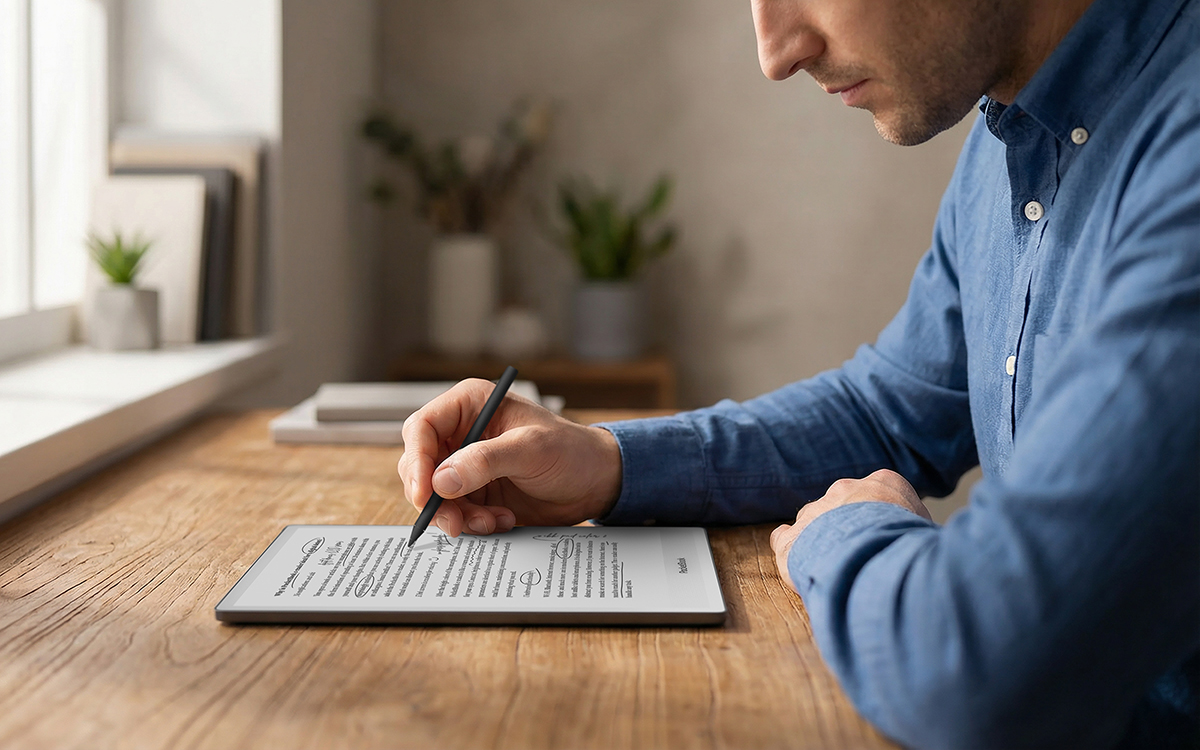
Finding the best tablets for reading 2026 has to offer is less about raw power and more about comfort. A tablet that feels great for gaming can turn into dead weight after an hour with a novel, while a dim screen will flatten the colors of a comic you were excited to read.
The real trick is matching the device to your reading habit. Novel readers, comic fans, and students buried in PDFs all need different screens, sizes, and battery life — and this guide breaks down exactly which tablet fits each one.
Why the Best Tablets for Reading 2026 Depend on Your Reading Style
Start by being honest about what you actually read. Students juggling textbooks benefit from split-screen multitasking and a precise stylus, while travelers care most about a light device that survives a long flight without hunting for a charger.
Audiobook fans should prioritize strong Bluetooth and decent speakers — the iPad mini 7 pairs beautifully with Apple Books and Audible for switching between reading and listening. If you live inside Amazon’s library, a Kindle keeps everything in sync; Kobo readers, on the other hand, make borrowing from public libraries effortless.
And if your reading list extends beyond books — comics apps, news, research tools — an Android e-ink tablet with full Google Play access, like the BOOX range, gives you far more flexibility than a locked-down e-reader. Open ecosystems matter more than most buyers expect.
E-Ink vs LCD: Which Display Is Kinder to Your Eyes?
E-ink screens reflect ambient light the way paper does, so your eyes do less work. There is no backlight blasting into your face, which is why a Kindle can feel restful after three hours while a phone feels tiring after one.
LCD and OLED tablets fight back with color and speed: vibrant comics, smooth scrolling, and fast page turns. Many now include dedicated Reading Modes — Xiaomi’s Redmi Pad 2 has one built in — plus warm front lights that shift color temperature in the evening to cut blue light.
One caveat on budget LCDs: some use PWM dimming, a flicker a minority of people can perceive. It is a non-issue for an hour of mixed reading, but for nightly three-hour novel sessions, e-ink remains measurably more restful. If you read in the bath or by the pool, look for IPX8 waterproofing, which the Paperwhite and Kindle Scribe both offer.
Best Tablets for Reading 2026: Our Top Picks
These are the standouts after weighing display quality, comfort, battery life, and value. Each one wins a different kind of reader.
Kindle Paperwhite — Best for Novel Readers
The Paperwhite remains the default recommendation for pure reading. Its 7-inch, 300 ppi glare-free display renders text razor-sharp, and the adjustable warm front light makes late-night chapters easy on the eyes.
Battery life stretches to around 12 weeks, it carries IPX8 waterproofing, and prices start near $139–$160. The Signature Edition adds wireless charging, an auto-adjusting light, and 32GB of storage if you also want room for Audible audiobooks.
iPad mini 7 — Best Versatile Reading Tablet
At 8.3 inches, the iPad mini 7 sits in the sweet spot: big enough for comics and PDFs, small enough to hold one-handed over breakfast. The 326 ppi Liquid Retina display with True Tone keeps text crisp in any light.
Starting around $490, it runs every reading app ever made, handles web and video when you are done reading, and supports a stylus for margin notes. Battery lasts about 10 hours — a day or two of heavy use, not weeks.
BOOX Go Color 7 (Gen II) — Best Color E-Ink All-Rounder
This 7-inch Android 13 reader adds a Kaleido 3 color layer — over 4,000 colors at 150 ppi, with 300 ppi black-and-white text — so comic covers, highlights, and illustrations finally look right on e-ink.
At $289.99 with full Google Play support, it runs Kindle, Kobo, and comic apps natively. Monochrome purists can save $20 with the standard Go 7, which renders text even more sharply, or step down to the 6-inch Go 6 at $199.99.
Amazon Fire HD 10 — Best Budget Pick
A roomy 10.1-inch 1080p screen with deep Kindle integration at a genuinely low price makes the Fire HD 10 the default reader tablet on a tight budget. It doubles as a competent media tablet for the occasional show.
The trade-offs are real: Fire OS instead of full Google Play (sideloading is needed for some apps), an LCD that glares outdoors, and enough weight to favor two-handed reading or a stand.
Kobo Libra Colour — Best E-Ink for Comic Fans
Color e-ink without the LCD eye-strain penalty. The Libra Colour’s ComfortLight PRO front light and 7-inch color display make it a favorite for graphic novels and magazines, and physical page-turn buttons reduce hand movement during long sessions.
It also plays nicely with public libraries through OverDrive, and Kobo’s format support is excellent. Just expect slower refresh rates than any LCD — page turns feel deliberate rather than instant.
Kindle Scribe — Best for PDFs and Note-Taking
The 10.2-inch Scribe pairs a paper-like 300 ppi display with a proper pen, margin notes, and even Microsoft Word compatibility. For students marking up lecture slides, it is hard to beat at around $340.
Annotation tools are simpler than what BOOX or reMarkable offer, and export options are limited — but for casual PDF readers inside the Kindle ecosystem, that simplicity is the point.
Best Tablets for Reading Comics and Manga in 2026
Comics reward screen size: 10–11 inches is the practical sweet spot, because anything under about 9 inches forces constant zooming or panel-by-panel view. Squarer aspect ratios waste less page space, though few budget tablets offer them.
On a budget, an LCD like the Redmi Pad 2 — 11 inches, 2.5K resolution, high refresh rate — delivers punchy color and full Google Play access for comic apps at a fraction of e-ink prices. Color e-ink in 2026 is still dimmer and pricier than LCD, so value hunters should stay LCD.
Serious collectors who read for hours should consider the BOOX Tab Ultra C Pro: a 10.3-inch Kaleido 3 display, Android flexibility for any comic app, and a 4,600mAh battery at around $599. It handles graphic-heavy layouts far better than small e-readers, and the 128GB of storage swallows huge comic libraries.
Best Tablets for Reading PDFs and Textbooks in 2026
PDFs are the one format where size genuinely matters. A 13.3-inch slate like the BOOX Note Max ($629.99) or the color Tab X C ($819.99) opens a letter-size page close to its printed dimensions — no pinching, no reflowing, no squinting at footnotes.
Students who annotate should judge stylus quality first: the BOOX Note Air6 C offers 4,096 pressure levels on a 10.3-inch color screen running the newest Android 16, while Samsung’s Galaxy Tab S10 Lite bundles an S Pen that verified buyers praise for textbook markup.
For a cheaper large screen, Lenovo’s Idea Tab Pro stretches to 12.7 inches at 3K resolution — plenty of room for two-page spreads and research papers without flagship pricing. And if you want the thinnest option, the 10.3-inch BOOX Go 10.3 at $419.99 is built purely for reading PDFs and books, with a $449.99 front-lit Lumi version for bedtime reading.
Color E-Ink Tablets Worth Considering in 2026
Color e-ink has matured into a real category. Kaleido 3 panels layer a color filter over a monochrome E Ink base, delivering 300 ppi black text and 150 ppi color — not LCD-vivid, but glare-free and comfortable for hours.
Android models like the BOOX Tab Ultra C Pro and Note Air4 C ($499) give you the Play Store, split-screen, and serious annotation tools. Simpler devices like the reMarkable Paper Pro ($579) trade app flexibility for a distraction-free, paper-like writing feel backed by a 5,030mAh battery.
Watch the weight tradeoff: bigger batteries last longer but push devices past 450g, into two-hands-or-a-stand territory. The PocketBook Color Note trims that to 390g if portability matters more than raw power, while the 8.52-inch BOOX Note Mini C at around 300g splits the difference.
How to Choose: Size, Weight, Battery and Storage
- Size: 6–7 inches suits novels and jacket pockets; 8–8.3 inches is the sweet spot for comics and PDFs with portability intact; 10 inches and up favors textbooks and desk reading but demands two hands.
- Weight: under 200g you can read one-handed for hours; 200–300g needs occasional breaks; over 300g, plan on a stand for long sessions.
- Battery: e-ink lasts weeks (the Paperwhite claims up to 12 weeks); LCD tablets last hours (roughly 10–20 depending on model).
- Storage: 16GB holds thousands of text ebooks; comics, magazines, and PDFs push you toward 64GB or more. And 4GB of RAM is plenty — reading apps are light, so spend your budget on screen quality instead.
If you read in bed, a front light is worth paying for — BOOX charges just $30 extra for the Lumi version of its Go 10.3, and it is the best money in that lineup. Pair the tablet with a stand or a Bluetooth page-turner from our roundup of the latest tech accessories for 2026 to complete a comfortable reading setup.
Prefer reading on your phone instead? A modern foldable opens into a genuinely useful reading surface — see our guide to the best phones in 2026 if you want one device that does it all.

Frequently Asked Questions
What is the difference between e-ink and LCD screens?
E-ink reflects ambient light like paper: no backlight, minimal eye strain, and battery measured in weeks. LCD and OLED emit their own light, giving vibrant color and fast refresh at the cost of more eye fatigue and hours-long battery. Think of e-ink as digital paper and LCD as a tiny TV screen.
Is a budget LCD tablet bad for my eyes compared to a Kindle?
Not harmful, just less comfortable for marathon text sessions. Backlit LCDs — some with PWM dimming a few people perceive as flicker — are fine for an hour of mixed reading. For three-hour nightly novel sessions, e-ink is measurably more restful.
Can I read PDFs on an e-reader?
Yes, but simple text PDFs fare far better than complex ones. Multi-column layouts, tables, and scanned images get cramped on small screens. For occasional PDFs any e-reader works; for daily PDF work, choose a 10-inch-plus tablet with stylus support, like the iPad mini or Galaxy Tab S6 Lite.
What screen size is best for comics and manga?
Bigger is better, with 10–11 inches the practical sweet spot. Below about 9 inches, full comic pages need zooming or panel-by-panel view. Black-and-white manga is comfortable on smaller e-ink screens; full-color comics deserve a larger color display.
Should I buy a color e-ink tablet instead of an LCD?
Color e-ink is ideal if you read comics, magazines, or illustrated books for hours and want zero eye strain — but in 2026 it remains dimmer, lower-resolution for color, and pricier than LCD. For comics on a budget, an LCD tablet is still the better value.
How much storage do I need for digital reading?
For text ebooks, 16GB stores thousands of titles — plenty for most readers. Step up to 32GB if you download audiobooks, and 64GB or more for comics, magazines, and heavy PDF libraries. Expandable storage via microSD is a bonus when offered.
Can I read Kindle books on a non-Amazon tablet?
Yes. The Kindle app is free on the Google Play Store and syncs your library, notes, and progress across devices. Going the other direction is harder: getting Google Play apps onto an Amazon Fire tablet requires sideloading.
Is 4GB of RAM enough for a reading tablet?
Comfortably. Reading apps are light; RAM only becomes a constraint with heavy multitasking or dozens of browser tabs. Spend your budget on screen quality and battery instead of extra memory.
Can I borrow library books on these tablets?
Yes. Kindle readers support free library borrowing through Libby and OverDrive, and Kobo devices integrate OverDrive directly. This alone can justify an e-reader — a library card turns it into an endless free bookstore.
Kindle or iPad for reading — which is better?
For dedicated reading, the Kindle wins: zero eye strain, weeks of battery, no notifications pulling your attention. For a device that also handles comics in full color, apps, web, and video, the iPad is the better all-rounder. Match the device to how much of your time is actually spent reading.
The best tablets for reading 2026 are not the most powerful ones — they are the ones that disappear into the book. Pick e-ink for novels and marathon sessions, a color LCD for comics and versatility, and a big screen with a pen for PDFs. Get that match right, and you will read more this year than last.
