

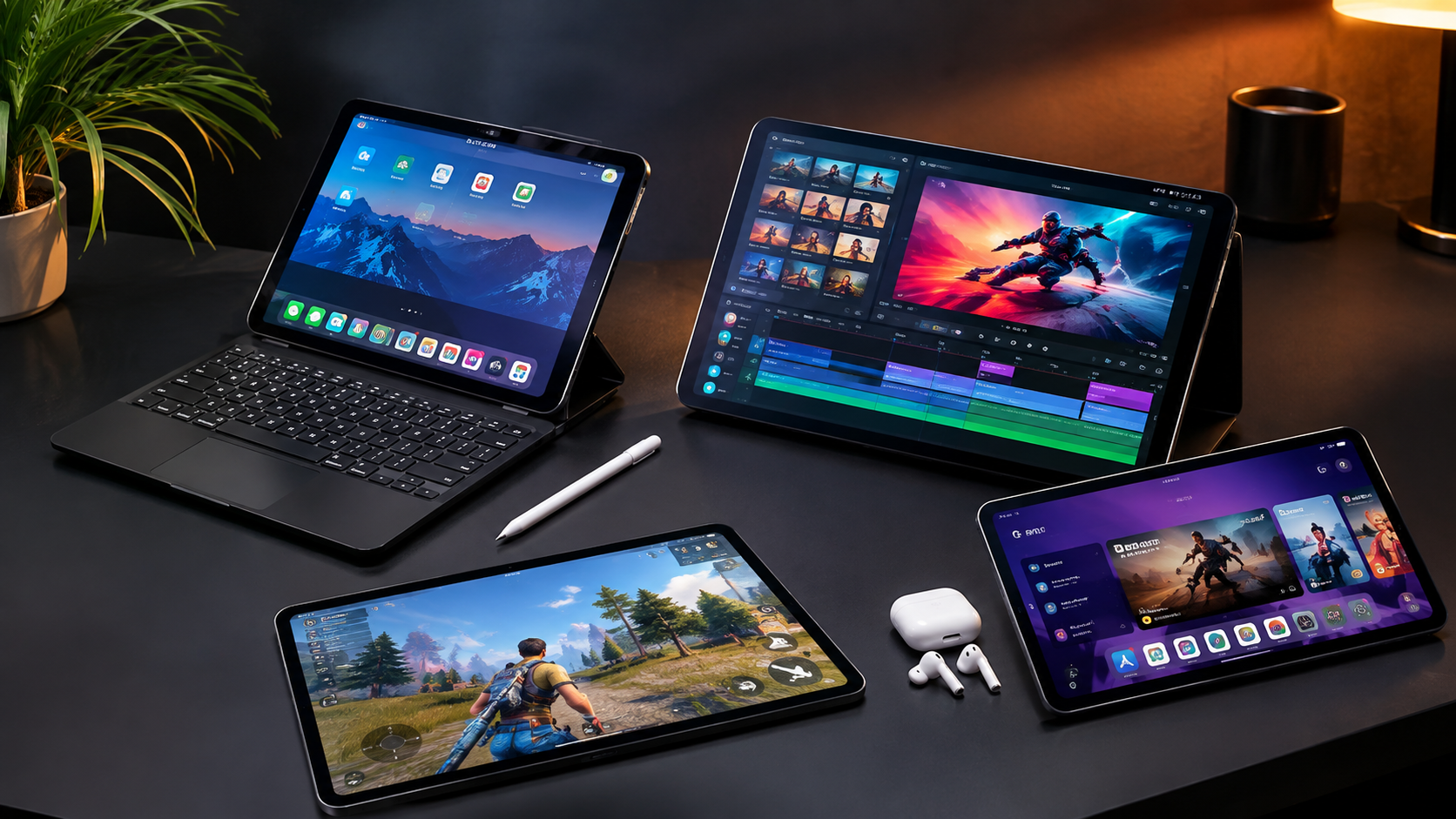
Choosing among the best tablets in 2026 is no longer simply a question of picking the biggest screen or fastest processor. Modern tablets can replace laptops for many people, serve as serious creative tools, handle demanding games, and provide a more comfortable way to read, stream, study, or browse.
The right choice depends heavily on what you plan to do with it. A professional artist may prioritize stylus support and display quality, while a student may care more about price, battery life, and note-taking. A frequent traveler may want a lightweight tablet, whereas a power user could benefit from a desktop-style multitasking system.
This guide compares the strongest tablet choices across premium, productivity, entertainment, gaming, and value categories, while explaining the features that matter most before you buy.
Best Tablets in 2026 at a Glance
There is no single tablet that is perfect for everyone. The leading choices stand out for different reasons.
| Tablet | Best For | Key Strength |
|---|---|---|
| iPad Pro with M5 | Professionals | Performance and creative apps |
| Galaxy Tab S11 Ultra | Android power users | Huge AMOLED display and multitasking |
| iPad Air | Most demanding users on a budget | Performance-to-price balance |
| iPad | Everyday users and students | Simple, capable general-purpose use |
| OnePlus Pad 3 | Android value | Strong performance and high-refresh display |
| Lenovo Idea Tab | Budget productivity | Affordable package with useful accessories |
| RedMagic Astra 2 | Mobile gaming | High-refresh OLED and sustained performance |
These recommendations reflect the current tablet market in 2026 rather than simply favoring the newest model. For example, current testing guides continue to position the iPad Pro as a premium option, while the OnePlus Pad 3 and budget Lenovo models provide compelling alternatives at substantially lower prices.
Read More: Tech Reviews in 2026
Best Premium Tablets for 2026
1. Apple iPad Pro with M5
The iPad Pro with Apple’s M5 chip is one of the strongest choices for users who want maximum tablet performance. Apple currently lists the 11-inch and 13-inch iPad Pro configurations with M5, with storage options extending from 256GB to 2TB.
Its appeal goes beyond raw processing power. The premium display, fast connectivity, strong accessory ecosystem, and extensive professional app selection make it particularly suitable for video editors, photographers, illustrators, musicians, developers, and other demanding users.
The downside is price. Once you add a keyboard and premium stylus, the total cost can approach or exceed that of a capable laptop. It makes the most sense when you will actually use its performance and tablet-specific workflow.
2. Samsung Galaxy Tab S11 Ultra
For Android users who want an enormous screen, the Galaxy Tab S11 Ultra is a standout. Samsung lists a 14.6-inch Dynamic AMOLED 2X display with a 2960 × 1848 resolution, 120Hz refresh rate, S Pen support, and up to 2TB of expandable storage through microSD.
Its large display is particularly useful for split-screen work, drawing, presentations, video editing, and entertainment. Samsung DeX also provides a more desktop-like interface for productivity.
The tablet is only 5.1mm thick, yet packs an 11,600mAh battery according to Samsung’s specifications.
The trade-off is obvious: this is a very large tablet. If portability is your priority, a smaller model may be much more practical.
Best Tablets for Work and Productivity
1. iPad Air
The iPad Air is arguably the more sensible choice for many users who like Apple’s ecosystem but do not need the extreme performance or price of the Pro line.
Its combination of a powerful Apple processor, lightweight design, iPadOS, keyboard support, and Apple Pencil compatibility makes it suitable for office work, education, creative projects, and general multitasking.
For many buyers, spending the extra money on storage, a keyboard, or accessories may produce more practical value than moving from an Air to a Pro.
2. Galaxy Tab S11 Ultra
Samsung’s flagship is especially attractive for people who want a tablet that can behave more like a portable workstation. DeX, the included S Pen, large display, multitasking capabilities, and Android software make it well suited to document work and note-taking.
The S11 Ultra also supports Wi-Fi 7 and Bluetooth 5.4, while Samsung lists 12GB of memory and 256GB of storage for the configuration shown on its Pakistan website.
For professionals who regularly work with several apps side by side, the enormous screen can be a genuine advantage rather than merely a specification-sheet feature.
Best Tablets for Students and Everyday Users
1. Standard iPad
Students and casual users generally do not need a flagship processor. A standard iPad can cover web browsing, video calls, streaming, reading, document editing, schoolwork, and note-taking without the cost of a professional tablet.
The key is to budget for the complete setup. If handwritten notes are important, check stylus compatibility before purchasing. If the tablet will replace a laptop for essays and assignments, a keyboard can be more important than a faster chip.
2. Lenovo Idea Tab
Budget buyers have more attractive options in 2026 than they did several years ago. The Lenovo Idea Tab is a good example: current reporting lists an 11-inch 2.5K IPS display, 90Hz refresh rate, MediaTek Dimensity 6300 processor, 8GB RAM, and 256GB storage, with a stylus and folio case included in one configuration.
That accessory bundle matters because buying a stylus and case separately can substantially increase the real cost of a budget tablet.
For basic productivity, entertainment, reading, and note-taking, a well-priced midrange tablet can therefore offer better overall value than an entry-level premium model.
Read More: Best Gadgets in 2026
Best Tablets for Gaming
1. RedMagic Astra 2
Gaming tablets have become increasingly specialized. The RedMagic Astra 2 is a particularly interesting 2026 option, combining a 9.06-inch OLED display with a 185Hz refresh rate, Snapdragon 8 Elite Gen 5 processor, up to 16GB RAM, and 512GB storage. TechRadar reports that it also uses liquid cooling and offers 75W charging.
That hardware is designed for sustained gaming rather than occasional casual play.
Its smaller screen compared with productivity-focused tablets can actually be an advantage for gamers who want something easier to hold. However, RedMagic’s software is more gaming-oriented than mainstream Android interfaces, so it is less attractive if your tablet will primarily be an office or family device.
2. OnePlus Pad 3
The OnePlus Pad 3 is another strong Android option for users who want gaming performance without moving into a highly specialized gaming tablet. Current tablet guides highlight its Snapdragon 8 Elite processor and 144Hz display, making it a strong all-round Android choice.
It is particularly compelling for buyers who want fast performance, a large screen, and modern Android multitasking without paying flagship iPad Pro prices.
What Features Matter Most When Buying a Tablet?
1. Display Quality
Screen quality affects almost everything you do on a tablet. Look beyond resolution and consider panel technology, brightness, refresh rate, color accuracy, and screen size.
OLED displays generally offer deeper blacks and excellent contrast, while high refresh rates make scrolling and gaming feel smoother. For professional photo or video work, color accuracy can matter more than simply having the highest refresh rate.
2. Processor and RAM
A powerful processor is useful for gaming, video editing, multitasking, and demanding creative applications. Casual users can save money by choosing a less powerful chip.
RAM also matters when switching between several applications. However, comparing memory figures across Apple and Android devices purely by number can be misleading because operating systems manage memory differently.
3. Battery Life
A tablet’s battery should match your usage pattern. Streaming video, gaming, cellular connectivity, high brightness, and intensive creative applications can consume considerably more power than reading or web browsing.
Do not judge battery performance solely by battery capacity. Software optimization, processor efficiency, display technology, and your workload all influence real-world endurance.
4. Stylus and Keyboard Support
If you plan to write notes, draw, edit documents, or use your tablet as a laptop alternative, accessories should be part of the buying decision.
A tablet that costs $100 less but requires an expensive keyboard and stylus may ultimately be less affordable than expected. Check whether the required accessories are included before comparing prices.
Tablet Prices and Value in 2026
Tablet prices vary enormously. Premium models can cost well over $1,000, while capable budget tablets can be found for a few hundred dollars or less depending on the market and current promotions.
For example, Apple’s U.S. store currently lists the M5 iPad Pro at $1,199 for a 256GB Wi-Fi configuration in the cited listing, while higher-capacity versions rise considerably.
In Pakistan, current marketplace listings show substantial differences between models and configurations, including Galaxy Tab S11 Ultra, Xiaomi Pad, iPad Pro, and budget Lenovo options. Prices can change frequently because of promotions, import costs, warranty status, and exchange-rate fluctuations.
For that reason, treat advertised prices as a snapshot rather than a permanent figure. Always check the exact storage, connectivity, warranty, and included accessories before purchasing.
How to Choose the Right Tablet
1. Define Your Main Use
Start with the task rather than the brand. Ask whether you primarily need the tablet for studying, office work, drawing, gaming, streaming, travel, or professional creative work.
2. Set a Complete Budget
Include the keyboard, stylus, protective case, charger if necessary, storage upgrade, and cellular service. The purchase price alone does not always represent the actual cost.
3. Choose Your Ecosystem
If you already use an iPhone and Mac, an iPad may provide the smoothest overall workflow. Android users who rely on Samsung phones, Windows PCs, or Google services may prefer a Galaxy or other Android tablet.
4. Buy for Your Next Few Years
A tablet should not only handle today’s apps. A stronger processor, adequate storage, and good software support can make a meaningful difference to how long the device remains useful.
Common Tablet Buying Mistakes
1. Paying for Performance You Will Never Use
A flagship tablet is unnecessary if your main activities are YouTube, reading, email, and web browsing.
2. Ignoring Storage
Apps, photos, games, downloaded videos, and creative projects can consume storage quickly. Choose enough capacity from the start unless expandable storage is available.
3. Comparing Only the Tablet Price
Accessories can significantly change the final cost. Always compare complete setups.
4. Choosing a Huge Screen Without Considering Portability
A 14.6-inch tablet can be fantastic for multitasking but awkward for reading in bed or carrying everywhere. Screen size should match your daily routine.
FAQ’s About Best Tablets in 2026: Expert Picks & Guide
What is the best tablet in 2026?
The best tablet depends on your needs. The iPad Pro with M5 is a leading premium choice, while the Galaxy Tab S11 Ultra is an excellent option for Android power users. More affordable models can provide better value for everyday use.
Is an iPad better than an Android tablet?
Neither platform is universally better. iPads have a strong professional app ecosystem and excellent integration with Apple devices, while Android tablets offer greater hardware variety, flexible multitasking, expandable storage on some models, and broader price options.
How much RAM should a tablet have?
For basic browsing and entertainment, modest memory can be sufficient. Users who regularly multitask, edit media, or play demanding games should consider higher-memory configurations.
Is a tablet good enough to replace a laptop?
For some people, yes. Email, documents, meetings, browsing, media consumption, and many creative tasks work well on modern tablets. However, specialized desktop applications, extensive file management, and complex professional workflows may still favor a laptop.
Is an OLED tablet worth buying?
OLED is particularly valuable for movies, gaming, photography, and other visually demanding tasks because of its excellent contrast and deep blacks. It is less essential if your main use is reading documents and basic web browsing.
Should I buy a keyboard with my tablet?
If you expect to write long documents, answer emails, or use the tablet for work, a keyboard can make a major difference. For media consumption and casual browsing, it may not be necessary.
How much storage should I get?
128GB can work for lighter users, while 256GB is a safer starting point for people who install many apps, download media, take lots of photos, or create content. Professionals working with large video or RAW files may need substantially more.
Conclusion
The best tablets in 2026 cover a remarkably broad range of needs. The iPad Pro with M5 is aimed at users who need exceptional performance and a premium creative platform, while Samsung’s Galaxy Tab S11 Ultra is compelling for Android users who value a huge AMOLED display and desktop-style multitasking.
For most buyers, however, the smartest purchase is not necessarily the most expensive tablet. Midrange options such as the iPad Air or OnePlus Pad 3 can provide an excellent balance of performance and price, while models such as the Lenovo Idea Tab make everyday tablet computing accessible at a lower cost.
Before buying, focus on your actual workflow, total accessory cost, display requirements, storage, operating system, and expected lifespan. Match the tablet to those needs, and you are far more likely to end up with a device that remains useful long after the initial excitement of a new purchase.
