

Learning how to choose a tablet 2026 buyers will still love three years from now starts with an uncomfortable truth: the hardware is rarely the deciding factor. Every serious tablet on sale today is fast enough for the basics, so the real winners are decided by software, accessories, and how long the device keeps getting updates.
This guide works differently from a spec sheet. Instead of ranking chips, it walks you through the decisions that determine whether a tablet earns its place between your phone and your laptop — or ends up gathering dust on a nightstand.
How to Choose a Tablet in 2026: Start With Your Real Use Case
Most buying regret comes from a mismatch between the tablet and the job. A tablet is a screen you hold and a software ecosystem you live inside, and its true value is the gap it fills between your phone and your laptop. If you cannot name the moments you would reach for it instead of your phone, it may be a duplicative purchase.
Be honest about the workload. Tablets shine at streaming, reading, video calls, handwritten notes, sketching, annotating documents, and light content creation. They struggle where desktop software rules: full video-editing timelines, complex spreadsheets, programming, and heavy file management.
Resist the trap of overbuying. The fastest chip on the shelf will not make a streaming service buffer any quicker, and premium specifications are wasted if your day is mostly browsing, reading, and video. Buy the cheapest tablet that does your one real job well, and spend the savings on the accessories that actually change the experience.
- Map the tablet to scenarios first — travel entertainment, study notes, creative work, or family sharing — then judge every model inside that scenario.
- Match the tier to the task: budget models suit kids and casual streaming, mid-range devices cover study and everyday productivity, and flagships only pay off for demanding creative or professional work.
Let the Apps Decide: How to Choose a Tablet in 2026 by Software, Not Specs
The difference you will actually feel is whether your essential apps have a proper tablet layout or are just stretched phone screens. iPadOS still has the deepest bench of tablet-native software, especially for creative and note-taking apps — and for most buyers, that app catalog alone decides the purchase.
Android has closed much of the gap and wins on flexibility: real file managers, sideloading, multi-user profiles, and a more open approach to accessories. Families and tinkerers often prefer it, though niche creative apps may still arrive late — or never.
Before comparing a single benchmark, confirm that the software you depend on — office suites, Adobe tools, video editors, educational platforms — exists and is genuinely optimized on your shortlisted platform. A tablet whose apps feel like afterthoughts will frustrate you daily, no matter how fast its processor is.
Windows is the outlier: a Surface runs full desktop applications no iPad or Android tablet can match, but Windows is not optimized for touch the way the other two are. Choose it when you need specific Windows software in a portable form, not when you want a media-first device. For a side-by-side look at current models, see our top 10 tablets of 2026.
Pick the Right Ecosystem: iPadOS vs Android vs Windows
Ecosystem is the quiet force behind long-term satisfaction. A tablet that syncs with the phone and computer you already own — shared clipboards, messages, cloud storage, accessories — feels twice as capable as a more powerful rival that lives in isolation.
Weigh the trade-offs honestly. iPads carry a higher price floor and fixed storage, but they bring the strongest track record of long-term software support. Android tablets start cheaper, often include expandable storage, and offer far more hardware variety — yet update commitments vary sharply by brand, so check the promised support years before you pay.
Also consider the household. Android’s multi-user profiles and flexible parental controls make it a natural family device, while LTE or 5G variants add real freedom for travel and unreliable Wi-Fi. Whatever you choose, buy from authorized dealers or major retailers so the warranty stays valid, and confirm regional firmware compatibility if you import.
Display, Size, and Weight: Screen Details That Change Daily Use
Look past resolution and study the traits you will notice every day: refresh rate, brightness, contrast, and color accuracy. A 120Hz panel makes scrolling and stylus input feel dramatically smoother than a 60Hz one, and high brightness matters far more than pixel counts when you read outdoors or watch video in bright rooms.
Panel type sets the mood. OLED and AMOLED screens deliver the deep blacks and vibrant color that make movies and HDR content sing, while good LCDs remain excellent for reading and everyday use at lower prices. Creators doing color-critical work should prioritize color accuracy over sheer size.
Size is a trade-off, not a trophy. Large 12-to-14-inch tablets are wonderful on a desk for split-screen work, drawing, and presentations, but at 700 grams or more they tire your hands quickly. If you read in bed or travel often, a lighter 10-to-11-inch model you will actually carry beats a giant you leave at home.
Finally, distrust marketing adjectives. Claims like “Retina-like” are a warning sign — either a display meets a real standard or it does not. When possible, view the screen in person before committing.
Performance and RAM: Buying Headroom Without Wasting Money
Here is the good news: tablet processors in 2026 are ahead of what most workloads demand. Any current tablet handles reading, streaming, notes, and video calls without breaking a sweat — so buy processing power for the apps you will actually run, not for bragging rights.
Match the chip to the mission. Basic browsing and media need only an entry-level processor, while 4K video editing, 3D rendering, and machine-learning tasks genuinely benefit from flagship silicon such as the M4 or Snapdragon 8-series. AI-assisted features are increasingly common, but they matter most to productivity users; casual buyers can safely ignore them.
On memory, treat 6GB as a practical floor for smooth multitasking, with 8GB or more worthwhile for heavy multitaskers and creatives. And before trusting a budget listing, read third-party reviews for thermal throttling and long-term reliability — an unnamed “octa-core” chip in a sub-$100 tablet usually means sluggish performance with no update path.
Storage: How Much Space Do You Really Need?
Storage is the one spec you cannot easily fix later, so decide it at purchase time. On iPads, storage is fixed and upgrades get expensive fast — a maxed-out flagship can cost nearly double its base price once you add storage, keyboard, and stylus. Android’s microSD expansion and USB-C external drive support offer a cheaper escape route, but not every model includes them, so verify before you buy.
Estimate from your habits, not from fear. If you stream everything and keep documents in the cloud, modest storage is fine. If you download shows for flights, shoot video, or keep large creative projects local, step up — running out of space mid-project is miserable, and constant offloading gets old fast.
One practical rule: heavy media collectors and creatives should look at 256GB and above (or a microSD slot), while light users who live in the cloud can stay lean and put the savings toward a better display or a longer software-support commitment.
How to Choose a Tablet in 2026 Without Ignoring the Accessory Tax
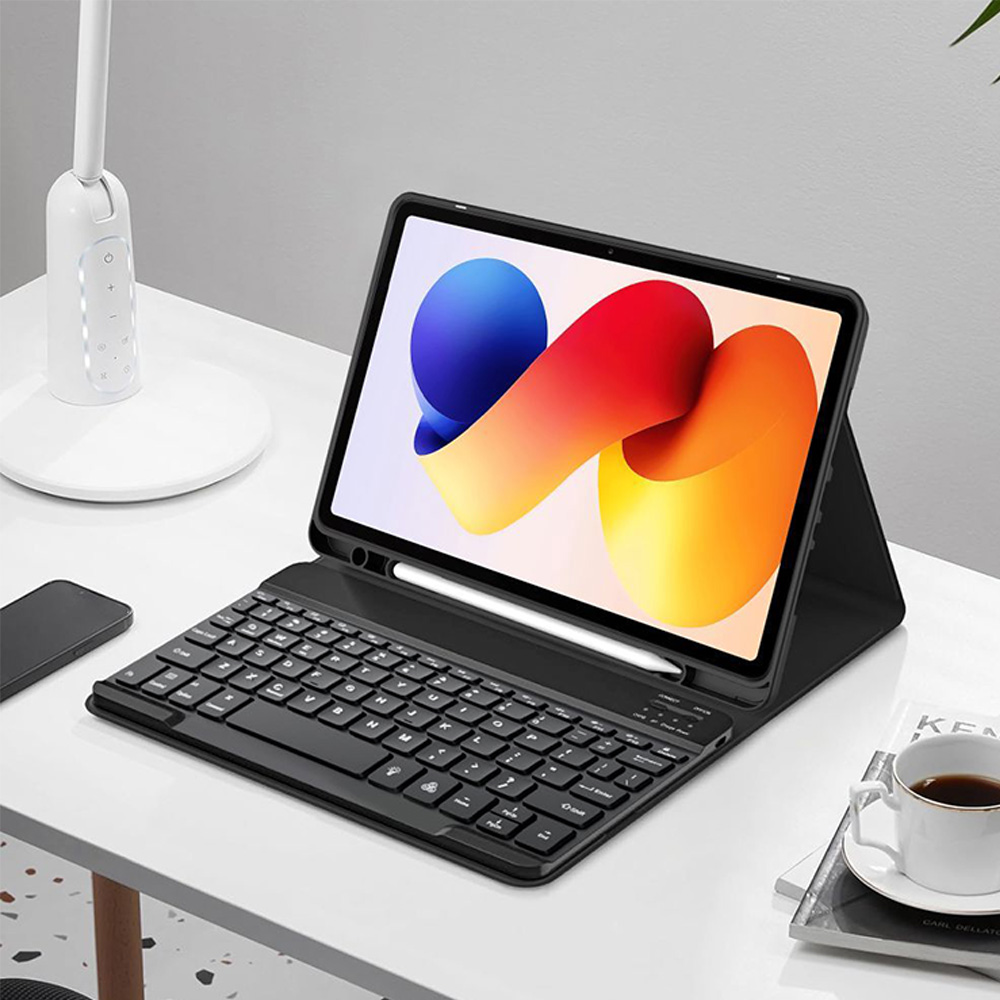
The sticker price is a down payment. A tablet with a pen becomes a notebook; a tablet with a keyboard case becomes a small laptop — and both transformations usually cost extra. Real-world totals climb fast: keyboards can add $150 to $200, a quality stylus another $100 or more, and a fully accessorized flagship can approach twice its advertised price.
That math flips some comparisons entirely. Samsung includes the S Pen in the box, while Apple charges separately for the Pencil — for students and note-takers, that single difference can decide the purchase. And beware bundled keyboard cases that cost half the tablet itself; the accessory tax can quietly make a “budget” pick pricier than a laptop.
Quality matters as much as price. A laggy stylus ruins handwriting no matter how good the screen is, and a floppy keyboard makes typing worse than using your phone. If note-taking or drawing is your primary use, let the stylus decide the purchase — try the pen in a store before you commit, because stylus ecosystems differ more than display panels do.
One last gut check: if you plan to type on a keyboard every single day, price out a budget laptop too. For some workflows, the laptop is simply the better investment.
Battery Life and Software Updates: The Longevity Math
A tablet you keep for five years is only a bargain if it stays secure and usable for five years. Update commitments now differ enormously: Samsung promises up to seven years of OS and security updates on its flagship tablets, while Apple has a long track record but publishes no fixed support term — so never convert chip headroom into a guaranteed number of updates.
Do your own longevity audit before buying. Check whether the manufacturer has a history of prompt firmware updates, scan owner reviews for overheating and battery complaints, and avoid unknown brands whose software support can vanish within months. A cheaper tablet that stops receiving security patches in two years is not actually cheaper.
Protect the battery you paid for: use certified chargers, avoid extreme heat, and add a case and screen protector — especially in homes with kids. Buy from retailers with at least a two-week return window so you can test real-world endurance, and time your purchase around seasonal sales, which can cut 20–30% off big-brand tablets. For help judging manufacturer claims, our in-depth tech reviews of 2026 break down how devices are actually tested.
Frequently Asked Questions
Should I buy the most expensive tablet in 2026?
Only if your workload justifies it. Premium tablets are built for 4K video editing, professional illustration, and heavy multitasking — for streaming, browsing, reading, and notes, a mid-range model does the same job and leaves you hundreds of dollars richer. The smartest buy is the cheapest tablet that does your one real task well.
Can a tablet replace my laptop?
Sometimes, but rarely completely. With a good keyboard and a desktop-like mode, a tablet can handle writing, email, presentations, and light multitasking. But limited file management, simplified mobile apps, and constrained multitasking on non-pro models mean complex work — full video editing, programming, heavy spreadsheets — still belongs on a laptop. If you would type on a keyboard daily, compare laptop prices first.
Which is better in 2026, an iPad or an Android tablet?
It depends on your priorities. iPads offer the deepest catalog of tablet-optimized apps — especially for creative and note-taking work — plus the strongest long-term software support. Android tablets cost less, often include expandable storage and an in-box stylus, and give you more flexibility with files and accessories. Choose by the apps you need and the ecosystem you already live in, not by the spec sheet.
How much RAM and storage do I need in a tablet?
For RAM, 4–6GB covers students and casual users, 8–16GB suits professionals and heavy multitaskers, and 16GB or more is for creatives. For storage, 128GB is a comfortable minimum, 256GB is safer if you download media or keep creative projects local, and 1TB-class storage is for professionals. Remember: iPad storage is fixed at purchase, so choose carefully, while many Android tablets let you expand with microSD.
Is AI important when buying a tablet in 2026?
For productivity users, yes — on-device AI now powers writing assistance, photo editing, transcription, and smarter multitasking, and Copilot+ and Gemini features are genuinely useful in real workflows. For casual users who mainly stream, browse, and read, AI features are a nice bonus, not a reason to pay more. Judge AI tools on accuracy and usefulness, not on whether the box carries an AI label.
What is the best tablet for students in 2026?
Students should prioritize note-taking, portability, battery life, and total cost. The base iPad and iPad Air are perennial favorites thanks to their app ecosystems and Pencil support, while the Galaxy Tab S10 FE and budget Samsung models appeal when the in-box S Pen and lower price matter more. Add up the full kit — tablet, stylus, keyboard, case — before deciding, because accessories can swing the student math.
How long will my tablet keep getting software updates?
Plan around the update promise, not the price tag. Samsung commits to up to seven years of updates on its flagship Galaxy tablets; Apple does not publish a fixed term but has the industry’s longest track record; budget brands vary wildly and some stop after a year or two. If a manufacturer will not state its update timeline, treat that silence as a red flag.
Choosing well comes down to three questions: which apps will you live in, which accessories will you actually use, and how many years of updates are you buying. Answer those honestly, and the right tablet in 2026 practically picks itself — no spec-sheet anxiety required.
