

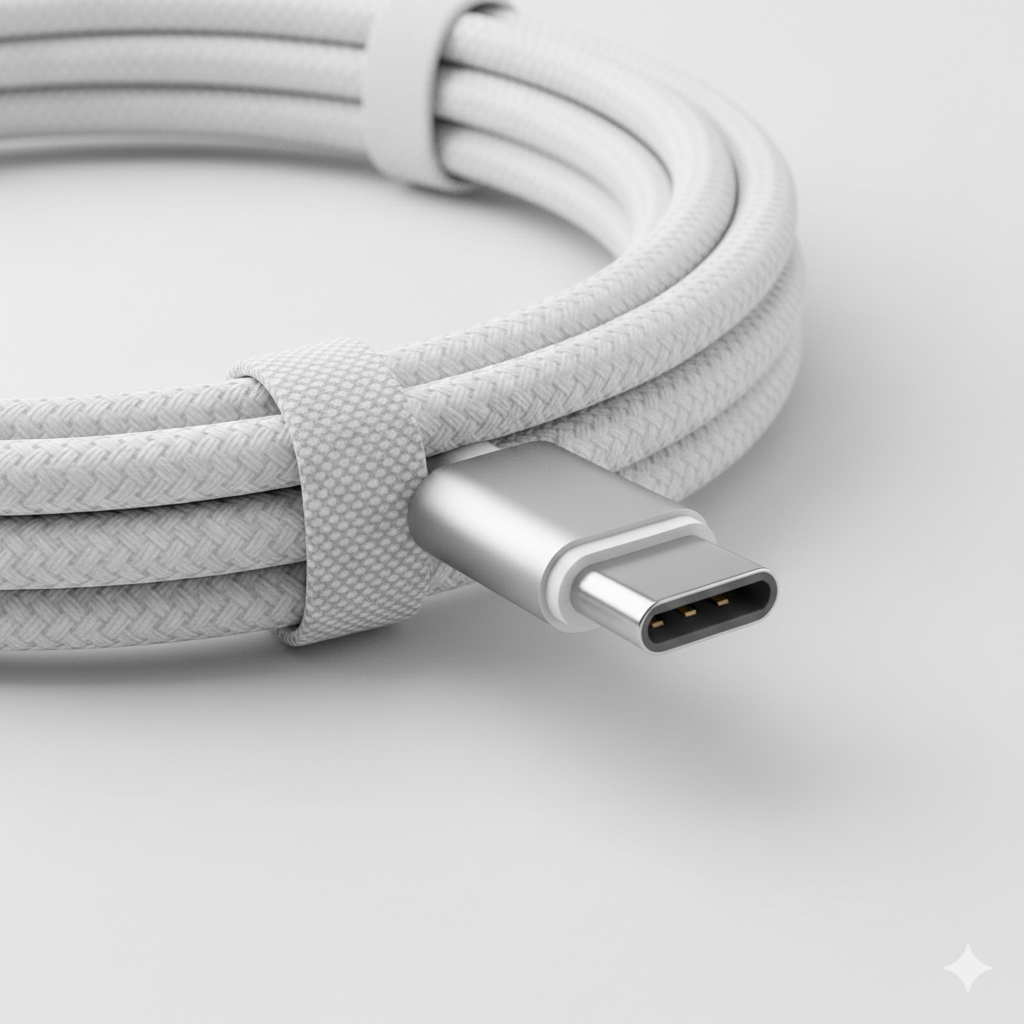
Shopping for the best USB-C cables 2026 has in store feels harder than it should. Every cable looks identical, yet one charges your laptop at full speed while another barely trickles power into your phone. The difference hides in specifications most shoppers never check: wattage ratings, data speeds, and tiny safety chips buried inside the connectors.
This guide cuts through the confusion. We pulled together testing data and specs from the year’s most trusted roundups — including Digital Trends’ own cable picks — and distilled everything into clear buying advice plus the standout cables worth your money.
Your Cable Can Bottleneck Your Charger
A 100W GaN charger paired with a 60W cable delivers just 60W. That single fact explains most slow-charging complaints. People upgrade their wall bricks and phone, then keep using the thin cable that came in the box — or a bargain-bin replacement — and wonder why nothing improved.
Rolling Square’s 2026 testing put numbers to it: they measured a 4.3% voltage drop on a 3-meter cable under full 100W load, still inside the USB-IF 5% allowance but proof that length and construction cost you real power. Match the cable to the charger, not the other way around.
Wattage Ratings: 60W vs 100W vs 240W
USB Power Delivery 3.1 raised the ceiling to 240W, enough for even 16-inch laptops. But the rating on the box only tells part of the story. Samsung’s 45W super-fast charging, for example, specifically requires a 5A-rated cable — plug in a standard 3A cable and the phone falls back to slower speeds even with the right charger.
Higher wattage alone guarantees nothing else. A 240W charging cable can still crawl at 480Mbps data speeds and carry zero video output. BuyZivo’s 2026 shortlist makes this explicit: the Anker Prime 240W is their top overall charging pick, USB-IF certified with a rugged braid, yet it’s purely a charging cable — no high-speed storage, no monitor support.
The e-Marker Chip: Your Safety Guarantee
Any cable claiming 100W or more must carry an e-marker chip, a tiny controller that tells the charger and device what the cable can safely handle. Rolling Square verified every cable in their guide for this. Cables that advertise big wattage numbers without USB-IF certification and a genuine e-marker are the ones that overheat, throttle, or in rare cases damage gear.
Charging, Data, Video: Pick Two (Usually)
Most USB-C cables are specialists. Charging-first cables top out at USB 2.0’s 480Mbps — fine for phones, tablets, power banks, and laptop charging. But the moment you need to move footage off an external SSD or drive a display, that same cable becomes a wall.
Supergrail’s research-led guide draws the line cleanly: grab the Belkin BoostCharge 240W for everyday charging duty, but reach for the Anker Prime Thunderbolt 4 cable — 40Gbps, 240W, single 8K or dual 4K display support — when a dock, monitor, or fast drive is involved. Cable Matters’ USB4 cable earns the same all-rounder slot in other roundups.
Best Overall USB-C Cable for Most People
CNN Underscored spent weeks bend-testing contenders and crowned the Anker Powerline+ USB-C to USB-C as best overall. Its double-layer nylon braid is soft but survived their bend and tear tests without distortion, it handles 60W — plenty for phones and tablets — and Anker backs it with a lifetime warranty. It ships in 3- or 6-foot lengths with a fabric travel pouch.
Step up to heavy-duty charging and the conversation shifts to the Anker Prime 240W with its upcycled-braided jacket, rated for a staggering 300,000 bends in Rugged Ratings’ durability testing. That’s the cable you buy once and keep through your next several devices.
Best Budget USB-C Cables
You don’t need to overspend for basic charging. Amazon Basics’ braided cables and picks like the Duracell 65W braided cable deliver reliable power at pocket-money prices. Digital Trends’ long-running cable guide has repeatedly highlighted budget braided options with nylon exteriors that outlast the flimsy cords phones ship with.
The rule for budget buys: stick to known brands and check for at least a stated wattage and braided jacket. A $10 cable from Anker or Amazon Basics beats a $4 no-name cord that might lack proper shielding or an honest spec sheet.
Best for Laptops: True 240W Cables
Laptop owners should shop at the top of the wattage ladder. The Belkin BoostCharge 240W (CAB015) is USB-IF certified, supports full USB PD 3.1, comes in 1m and 2m lengths, and carries a two-year warranty. UGREEN’s 100W cable with e-marker chip is a solid mid-range laptop option, while Nomad’s Kevlar-jacketed cable pushes 100W with a 5-year warranty and roadworthy toughness.
For the longest runs — sofa to wall outlet, hotel bed to desk — Anker’s 240W braided cable stretches to 10 feet. Just remember the physics: longer passive cables lose more power and can never carry 40Gbps data; Thunderbolt-grade speeds max out around 0.8m on passive cables.
Best for Data and Displays: USB4 and Thunderbolt
If your workflow involves external SSDs, docks, or monitors, stop buying charging cables. A proper USB4 or Thunderbolt cable delivers 40Gbps transfers — roughly 80 times faster than a 480Mbps charging cable — plus DisplayPort video for 8K or dual-4K setups.
Top contenders: the Cable Matters USB4 cable (240W, 40Gbps, video) as the sensible all-rounder, the Anker Prime Thunderbolt 4 for certified reliability, and Apple’s Thunderbolt 5 Pro cable for premium setups, which can hit 120Gbps with Bandwidth Boost on supported hardware. Expect to pay more — the silicon inside justifies it.
Best Durable and Travel-Friendly Picks
Durability roundups in 2026 keep returning to the same names. The Native Union Belt Cable Pro 240W matches the buy-it-for-life trinity — 240W, lifetime warranty, USB-IF certification — and adds an 8-foot reach, leather strap, and LED charging indicator for desk use. The Nomad Carbide V3 wraps genuine DuPont Kevlar fiber in a consumer-priced cable rated for 30,000 bends.
Travelers short on bag space should look at multi-connector designs: Rolling Square’s inCharge XS packs 240W charging and data into a 4-in-1 keyring cable, and their 6-in-1 variant replaces five single-purpose cables. Since even the best magnetic power banks top out at 15–25W wirelessly, a compact USB-C cable remains the fastest way to recharge both your bank and your phone on the move.
How to Choose the Right USB-C Cable
Start with the job, not the cable. Charging a phone? Any reputable 60W braided cable works. Fast-charging a Samsung at 45W? You need a 5A cable specifically. Powering a laptop? Go 100W minimum, 240W for headroom. Moving files or driving a display? Only USB4 or Thunderbolt will do.
Then check three things: USB-IF certification for safety, an e-marker chip on anything 100W+, and a length that matches your use — shorter for data, longer only when you truly need the reach. A quality cable is the cheapest upgrade in your entire setup, and as our best accessories roundup shows, it’s the one people overlook most. Pair it with a solid charger and even a top-rated tablet charges at its full advertised speed.

FAQs
Do all USB-C cables support fast charging?
No. Wattage ratings range from 15W to 240W, and a low-rated cable caps whatever your charger can deliver. For fast charging, match the cable’s wattage — and current rating, like 5A for Samsung 45W — to your device and charger.
What’s the difference between a charging cable and a data cable?
Charging cables prioritize power delivery and usually top out at 480Mbps data speeds. Data-oriented cables (USB4, Thunderbolt) add 40Gbps transfers and video output but cost more. Most people need a charging cable; creators and desk-setup users need the data kind.
What is an e-marker chip?
It’s a small controller inside the connector that reports the cable’s capabilities to the charger and device. Every legitimate 100W+ cable must have one — it’s what makes high-wattage charging safe and is part of USB-IF certification.
Why is my fast charger charging slowly?
The cable is the usual suspect. A 60W cable throttles a 100W charger to 60W, and long or uncertified cables add voltage drop. Swap in a certified cable rated for your charger’s output before blaming the phone or brick.
Are Thunderbolt cables worth the extra money?
Only if you need what they offer: 40Gbps data, display output, and 100W+ charging in one cable. For phone charging alone, they’re overkill — a good braided 60W cable does the same job for a fraction of the price.
How long can a USB-C cable be before performance drops?
For charging, up to 2–3 meters is fine with quality construction. For 40Gbps data, passive cables max out around 0.8m; longer high-speed runs need pricier active cables. Buy the shortest cable that reaches.
Are cheap USB-C cables safe?
Cheap from a reputable brand, yes. Cheap and no-name, risky — unverified wattage claims, missing e-markers, and thin shielding can cause overheating or slow charging. Stick to USB-IF certified cables from known makers.
