

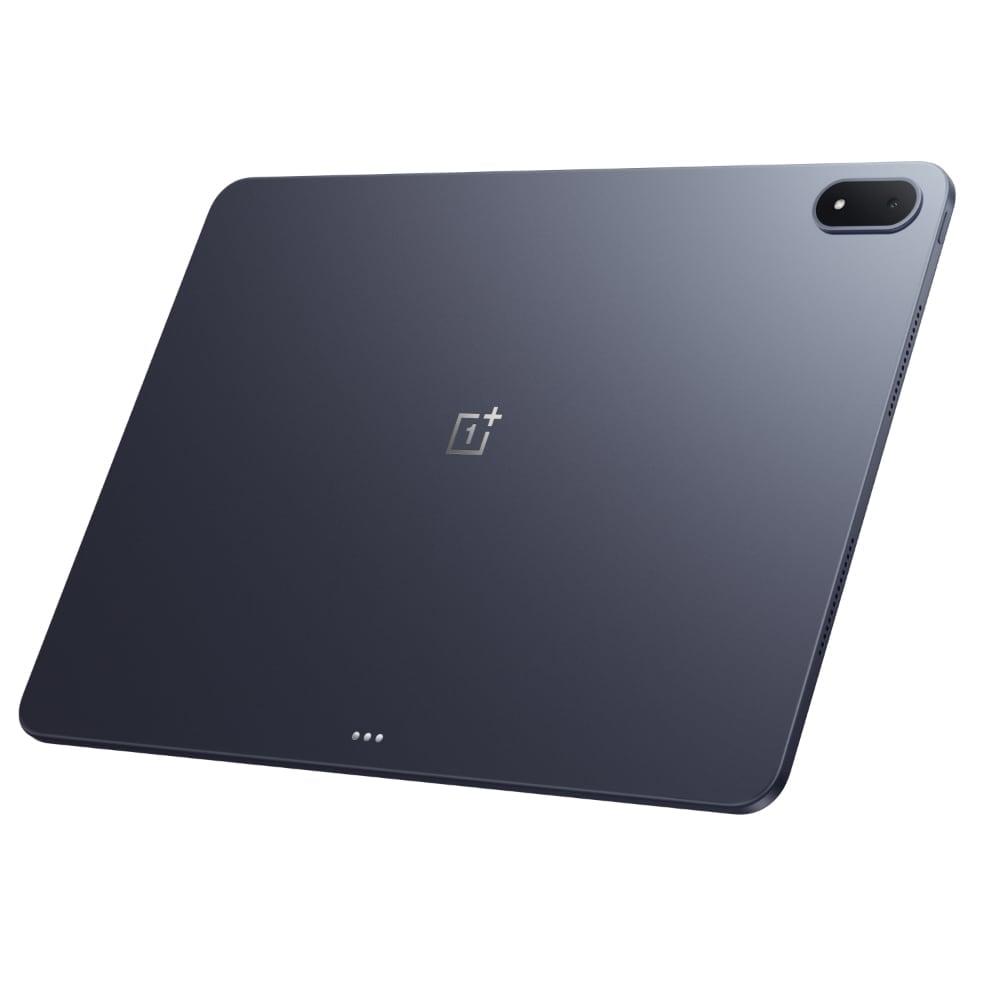
This OnePlus Pad 3 review covers a tablet with a clear mission: flagship power in a giant, readable package. With a Snapdragon 8 Elite, a 13.2-inch 144Hz display and a 12,140mAh battery, it undercuts the iPad and Galaxy Tab flagships while outgunning most of them on paper.
After weeks of daily use across classes, streaming, gaming and office work, the verdict is nuanced. It is one of the best Android tablets you can buy — just not quite the laptop replacement its size suggests.
Design and Build
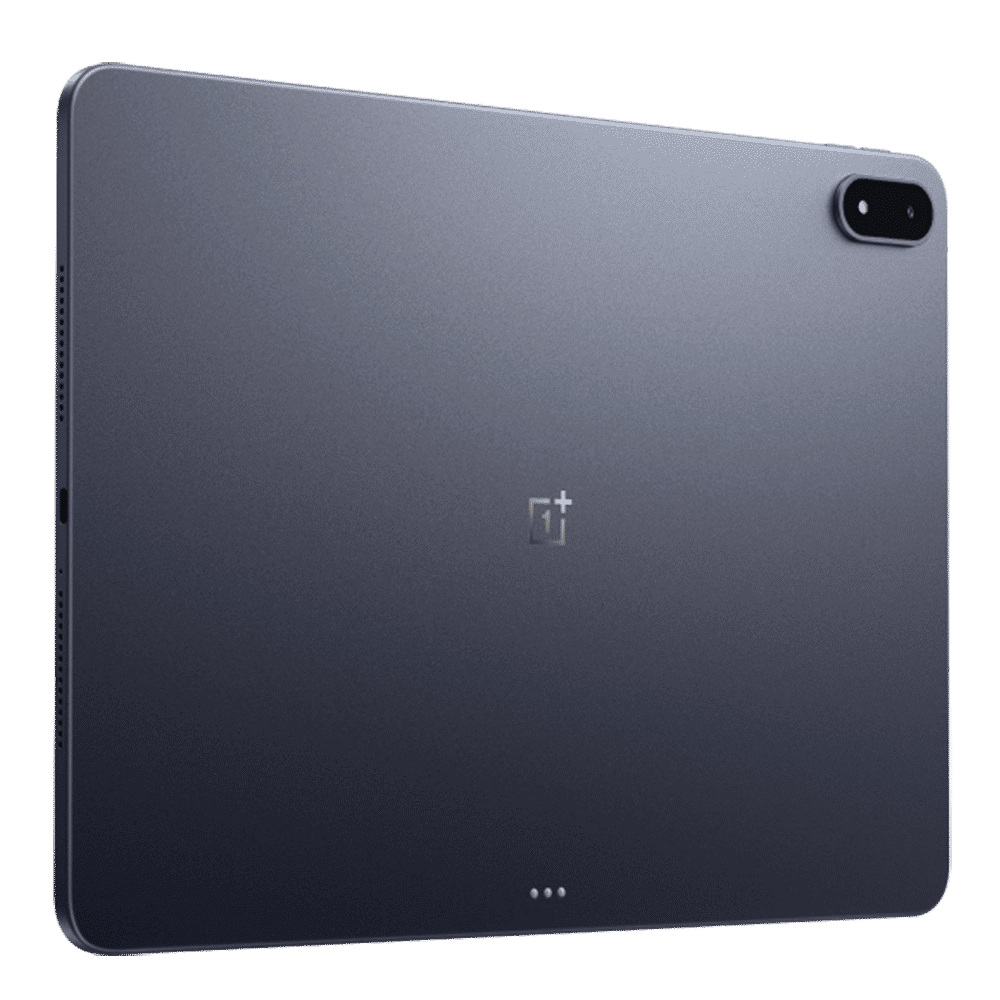
The Pad 3 is impressively thin at 5.97mm and weighs 675 grams (684.8g on our scale), which is remarkably light for a 13.2-inch slab. The matte aluminium back wipes fingerprints off easily, though the protruding camera module makes the tablet wobble when laid flat on a desk.
There is no fingerprint sensor — face unlock is your only biometric option. The frame holds a USB-C 3.2 Gen 1 port with DisplayPort Alt Mode, so you can drive an external monitor over a single cable. One cost-cutting note: no charger in the box, and no protective film pre-applied to the screen.
Display: Big, Sharp and Smooth
The 13.2-inch LCD runs at 3392 x 2400 with a 7:5 aspect ratio — the “silver ratio” that shows manga two-page spreads and documents with almost no wasted margins. Spreadsheets and websites display noticeably more content at once, which genuinely helps productivity.
Refresh rate goes up to 144Hz and can be set per app (90/120/144Hz), with touch sampling around 290Hz and measured touch latency of 41.9ms — decent, if not gaming-phone territory. Brightness measured 426 nits full-white, fine indoors but not an outdoor champion; the panel carries Widevine L1 for HD streaming on Prime Video and Netflix.
Video playback shows slightly larger black bars than on 16:10 tablets, and there is no stuttering in 4K playback. Reviewers consistently praise the crispness: text looks razor sharp and colours natural.
Performance: Snapdragon 8 Elite
Qualcomm’s Snapdragon 8 Elite pairs with 12GB or 16GB of LPDDR5X RAM (the 16GB model gets faster LPDDR5T) and UFS 4.0 storage in 256GB or 512GB configurations. The large chassis dissipates heat well, sustaining high performance longer than phones with the same chip.
Benchmarks need a caveat: with the package name disguised to defeat manufacturer boosting, Geekbench 6 scored 1631 single-core and 4792 multi-core, versus 3027/8862 undisguised — clear evidence of benchmark-specific boosting. The 3DMark Wild Life Extreme stress test held 6620 down to 4985 with the battery at just 39°C, showing strong stability.
In real use, everything is fast: apps open instantly, multitasking is smooth, and there is no overheating even after long sessions.
Gaming
This is a genuinely strong gaming tablet. Genshin Impact at the highest settings and 60fps in Performance Mode averaged 59.9fps over 30 minutes with battery temperature peaking at only 35.7°C — excellent power efficiency at this resolution.
The more demanding Honkai: Star Rail averaged 59.5fps at max settings, reaching 38.4°C — warmer and thirstier, but still far more stable than most phones, which often exceed 40°C and drop frames. The upgraded vapour chamber earns its keep here.
Two frustrations: Game Mode is not pre-installed (you must sideload OnePlus Games from the Play Store), and the global version lacks the Chinese model’s frame interpolation and upscaling features.
Battery and Charging
The 12,140mAh battery is a highlight. Moderate use — browsing, video calls, document editing — easily stretches through a full day, with long-term testers reporting around nine hours of screen time. Heavy gaming and streaming days still end with charge to spare.
Charging runs at up to 80W, and a third-party PPS charger works fine for fast top-ups. Bypass charging, which powers the tablet directly and spares the battery during long plugged-in sessions, arrived via a later update — along with an 80 percent charge-limit option.
Speakers
Eight speakers — four woofers and four tweeters — make this one of the best-sounding tablets available. Movies and music sound full and immersive, with strong bass and clear vocals; only the treble feels slightly subdued. Volume gets properly loud, though the aluminium back starts vibrating past the halfway mark.
Audio supports spatial formats through OnePlus’s OReality tuning and Holo Audio, and Bluetooth covers AAC, aptX, aptX HD, aptX Adaptive, LDAC and LHDC — among the widest codec support on any tablet.
Software: OxygenOS 15 and AI
The Pad 3 ships with OxygenOS 15 on Android 15, including the OnePlus AI suite powered by Google Gemini: Circle to Search, translation, summaries and writing assistance. Multitasking handles up to three apps at once with split-screen that works well on the wide display.
Pairing with an OxygenOS phone unlocks Communication Sharing — the tablet borrows the phone’s mobile data, GPS and even calls, behaving like a cellular model while using about 30 percent less power than tethering. With Wi-Fi 7 on board, wireless speeds are excellent.
The weak spots: some Android apps still are not properly optimised for tablets, and there is no dedicated desktop mode — the main reason it cannot fully replace a laptop.
Cameras
The 13MP rear and 8MP front cameras are strictly functional: fine for video calls and document scanning, not for photography. Do not buy this tablet for its cameras — nobody in this segment does, and OnePlus clearly spent the budget elsewhere.
Accessories: Keyboard and Stylus
To use the Pad 3 as a laptop stand-in, the Smart Keyboard is effectively mandatory — but it is sold separately, as is the Stylo 2 stylus. The keyboard types well with a large trackpad and connects via pogo pins or Bluetooth, yet it lacks backlighting and its magnetic stand does not hold firmly when adjusting angles.
Combined, the tablet plus keyboard weighs just over 1.17kg — creeping toward ultrabook territory, though still lighter than a 13-inch MacBook Air. Factor the accessory cost into your budget before deciding.
OnePlus Pad 3 Review: Rivals and Value
Priced around the INR 50K mark (and frequently discounted online), the Pad 3 undercuts Apple’s iPad Air M3 and Samsung’s Galaxy Tab S10 series while matching them on raw power. Review scores reflect that: GSMArena awarded 88, TechAdvisor 90, and NotebookCheck 88.
Samsung’s tablets counter with better software polish and desktop-style DeX, which you can compare in our best Samsung tablets of 2026 roundup. For the broader field, see our best Android tablets of 2026.
FAQs
Can the OnePlus Pad 3 replace a laptop?
For basic to medium use — notes, browsing, streaming, light office work — many testers never missed their laptop. But the lack of a desktop mode, unoptimised tablet apps and the separate keyboard purchase keep it from fully replacing one.
Does the OnePlus Pad 3 have cellular or GPS?
No SIM slot and no built-in GPS. However, Communication Sharing with an OxygenOS phone shares mobile data, location and calls with about 30 percent less power draw than tethering.
Is the charger included in the box?
No. The box contains only the tablet and a manual. You will need your own charger, though third-party PPS chargers support fast charging.
Is the OnePlus Pad 3 good for gaming?
Excellent. The Snapdragon 8 Elite sustains near-60fps in Genshin Impact and Honkai: Star Rail at max settings with low heat, and the 144Hz display and eight speakers complete the package.
Verdict
The OnePlus Pad 3 is one of the most complete Android tablets in its price range: a superb 13.2-inch display, flagship sustained performance, all-day battery, and the best speakers on any tablet. The software rough edges — no desktop mode, unoptimised apps, accessories sold separately — are real but forgivable at this price.
If you want a big-screen tablet for entertainment, study and light work without paying iPad or Galaxy Tab money, this is the one to buy. Rating: 4.5/5.
