

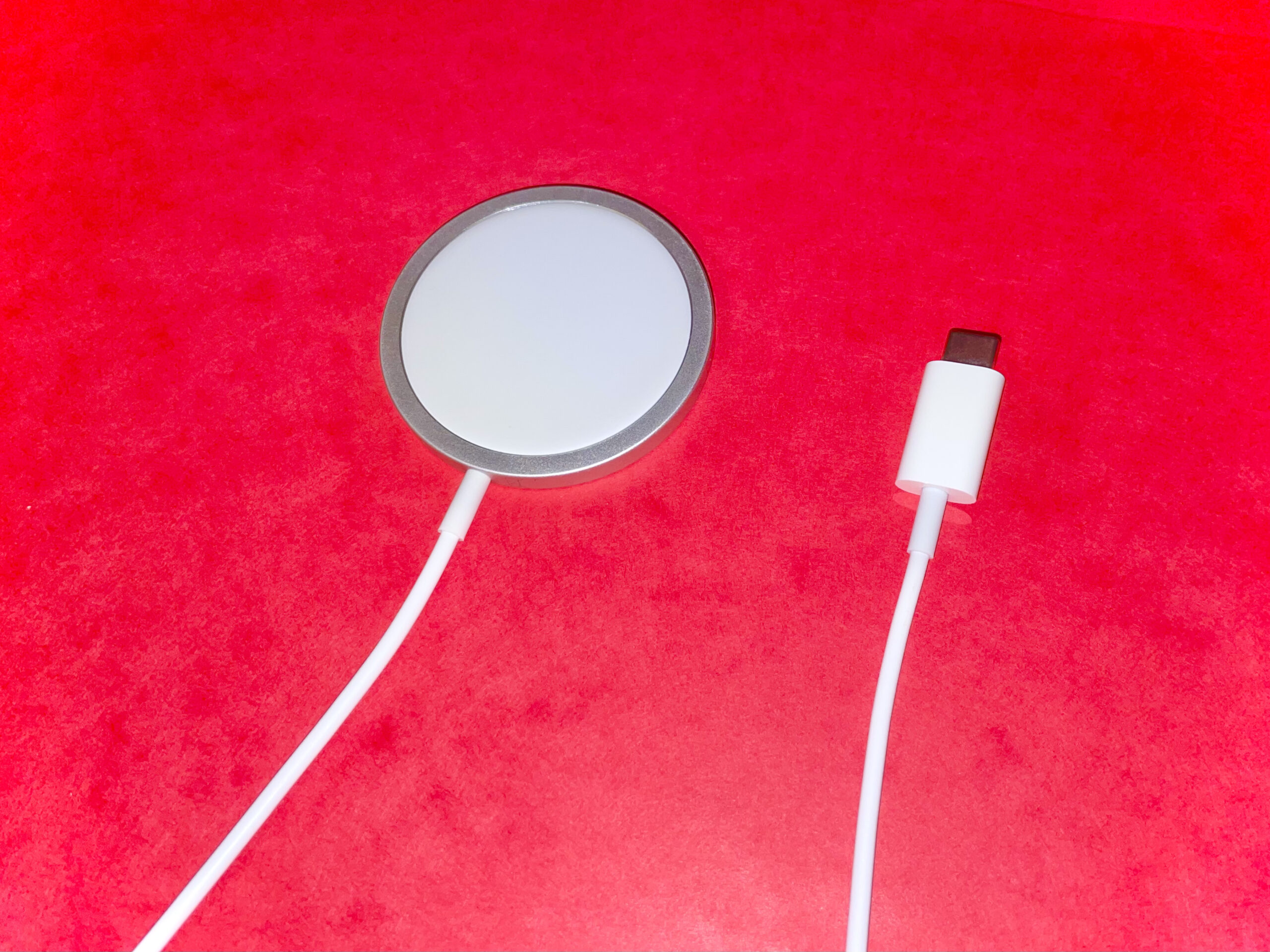
The best MagSafe chargers 2026 has to offer do far more than top up your iPhone. A ring of magnets snaps your phone into perfect alignment every time, so charging is faster and more reliable than with a plain Qi pad. This guide compares 3-in-1 stations, portable power banks, car mounts, and budget picks so you can find the right magnetic charger for your routine.
Best MagSafe Chargers 2026: Our Top Picks at a Glance
The 25W era has arrived. Newer iPhones can now pull 25W wirelessly through a Qi2.2 charger, while older models cap out at 15W. The slower side of the pairing always sets the speed, so matching the charger to your phone matters more than chasing the biggest wattage number on the box.
Best overall: a foldable 25W Qi2.2 3-in-1 station that charges iPhone, Apple Watch, and AirPods from one outlet. Best for travel: a slim magnetic power bank between 6.8mm and 13mm thick, because thin packs actually get carried. Best for the car: a vent-mount charger with a 13N magnetic hold and active cooling so it stays put on rough roads.
Best Overall: 3-in-1 Foldable Charging Station
Foldable 3-in-1 stations earn the top spot because they replace three separate cables with a single unit that travels. Anker’s Prime foldable station delivers up to 25W Qi2.2 magnetic charging and can push a recent iPhone Pro to 50% in about 26 minutes, while its hinged body packs down to roughly the size of a small notebook at around 230g.
Thermal management separates the good stations from the gimmicky ones. The better models use an AirCool system or TEC active cooling to hold temperatures down during fast charging, which protects long-term battery health. A smart display showing charging status and safety info, plus app or NFC control for switching charging modes, turns a basic stand into a genuinely smart desk accessory.
Best Smart Desk Station
If your charger never leaves the desk, a heavier dock-style station with a stable base is the better pick. One-handed attachment and removal feel effortless when the stand does not slide around, and the phone stays upright for StandBy mode, video calls, and notification glances.
Desk stations shine on compatibility: they handle MagSafe and Qi2 iPhones plus Pixel phones with built-in Qi2 magnets, and their USB-C ports can top up anything else. Look for models that include the wall adapter in the box, since a 25W rating means nothing if your old 12W brick cannot feed it.
Best Portable MagSafe Power Bank
The standout portable pick pairs 10,000mAh with a 13mm titanium body and 25W Qi2.2 wireless output, delivering the full wireless speed current iPhones support plus about two complete charges. Semi-solid-state cells cut the flammable liquid electrolyte found in conventional lithium-ion packs, which lowers fire risk in something pressed against your phone all day.
Need only a top-up? A 6.8mm titanium 5,000mAh pack disappears into a pocket and adds roughly 75-80% to a phone, ideal for long days rather than long trips. Runners-up worth knowing include SHARGE’s ICEMAG 3 with a cooling fan and built-in cable, and Belkin’s UltraCharge Pro 10K with a battery display and kickstand.
Best MagSafe Car Charger
A car mount must do two jobs at once: charge fast and never drop your phone. The best vent-mount options combine up to 25W wireless charging with TEC active cooling and a strong 13N magnetic hold, plus a locking vent hook that survives potholes and speed bumps.
An adjustable tilt of around ±32° keeps navigation visible without forcing an awkward neck angle. Temperature control that automatically trims power when things get hot matters more in a sun-baked cabin than on a desk, so treat active cooling as a requirement here, not a bonus.
Best Budget MagSafe Charger
You do not need to spend flagship money to get the core benefit: automatic magnetic alignment. A compact Qi2 magnetic puck with 15W output, a five-foot integrated cable, and temperature monitoring covers daily charging for a fraction of the premium price.
The trade-off is usually the wall adapter, which often is not included, so the value lands best for buyers who already own a 20W-or-better USB-C brick. If the listing says only “magnetic” without Qi2 certification, expect roughly 7.5W speeds and long waits. Certification, not the magnet alone, is what unlocks the faster rates.
Apple MagSafe Charger: The First-Party Option
Apple’s own puck remains the straight-line choice for the fastest first-party wireless profile. The latest version supports up to 25W on compatible iPhones when paired with a 30W adapter, keeps Qi2 25W compatibility for newer standards, and uses a slim one-meter woven cable that packs easily.
Two caveats: the required wall adapter is sold separately, and the puck does not hold the phone upright on its own. Third-party rivals often add active cooling fans and 3-in-1 convenience for similar money, but nothing matches Apple’s magnetic fit and iOS-level polish for purists.
Charging Speed Explained: 15W vs 25W
Speed depends on both sides of the equation. iPhone 12 through 15 models top out at 15W wirelessly, so a 25W charger gains them nothing. Newer phones that support the Qi2.2 tier can genuinely use 25W, which noticeably shortens top-ups during short sessions.
Always check certification before buying. Certified MagSafe and Qi2 chargers guarantee proper power delivery and safety testing. Uncertified magnetic pads attach just fine but typically crawl at around 7.5W, turning a quick top-up into a slow trickle.
MagSafe vs Qi2 vs Qi2.2
MagSafe is Apple’s own magnetic design. Qi2 is the open standard built on Apple’s magnetic idea, using the same alignment ring at up to 15W, and it works across phone brands including recent Pixels. Qi2.2 is the newer tier that lifts the ceiling to 25W.
The practical takeaway: a plain “Qi2” label may stop at 15W, so check the wattage line on the box. On a new Pro-class iPhone, a 15W pack behaves like a 15W pack, no matter how premium the magnets feel.
How to Choose the Right MagSafe Charger
Match the charger to your daily routine first and the spec sheet second. A nightstand setup, a travel bag, and a car dashboard ask for completely different hardware, and the strongest choice is the one that fits your phone, case, and habits rather than the largest wattage printed on the listing.
Charger Design: 3-in-1, Stand, Pad, or Car Mount
3-in-1 stations charge iPhone, Apple Watch, and AirPods from one power source and are perfect for bedside tables where cables tend to multiply. A vertical desktop stand keeps the phone visible for calls and StandBy mode, while a flat pad suits mixed-device households. Car mounts trade some versatility for a locking magnetic grip and road-ready viewing angles.
Portability and Desk Setup
Frequent travelers should pick a foldable model about the size of a baseball that packs flat and powers all three Apple devices from one adapter. For a permanent desk or nightstand, a heavier stand with a stable base wins, and it pairs well with a tidy overall setup — a tidy desk benefits from more than a phone charger, so see our guide to the best laptop accessories of 2026 for the rest of your workspace.
Safety, Cooling, and Build Quality
Wireless charging generates heat, and prolonged heat exposure affects battery longevity. Quality chargers monitor temperature continuously and dial back power when needed, while advanced models add active cooling fans or TEC systems. A metal body, like titanium on premium power banks, also helps spread heat while keeping thin packs tough.
Semi-solid-state cells are the newest safety step: they use far less liquid electrolyte than conventional lithium-ion, reducing fire risk. Foreign-object detection and overvoltage protection are other signs of a well-engineered charger.
Power Bank Capacity: 5,000 vs 10,000 vs 20,000 mAh
5,000mAh delivers roughly one charge, good for daily top-ups and light use. 10,000mAh holds about two full iPhone charges and is the sweet spot for most people. 20,000mAh manages four or more charges for travel and heavy use but adds noticeable weight.
Remember that conversion losses mean you get about 60-70% of the rated capacity as usable charge, and wired USB-C output (20-30W) always beats wireless for raw speed. MagSafe is about convenience and alignment, not maximum watts.
Tips to Use Your MagSafe Charger More Effectively
Mind case thickness: MagSafe works best with cases designed for magnetic alignment, since very thick or non-magnetic cases weaken the connection and slow charging. Rotate your phone horizontally on a stand to activate StandBy mode and turn it into a smart display for time and widgets.
Avoid parking the battery at 100% all day; features like Optimized Battery Charging help slow aging. Pair the charger with a sufficiently powerful USB-C Power Delivery adapter, and wipe dust off the magnetic surface weekly so alignment stays rock solid.

FAQs about the best MagSafe chargers 2026
Which MagSafe charger is the best?
The best choice depends on where you charge. A foldable 25W Qi2.2 3-in-1 station is the strongest all-rounder for home and travel, while a slim 13mm titanium power bank wins for on-the-go use and a cooled vent-mount charger wins for the car. Prioritize certified 25W output, active cooling, and a design that fits your routine.
Is it worth getting a MagSafe charger?
Yes, if you own an iPhone 12 or newer. The magnetic ring snaps the phone into perfect alignment every time, which eliminates the misplacement that makes plain Qi pads slow and hot. You get up to double the speed of standard wireless charging with far less fiddling.
Is the Apple MagSafe charger better than third-party options?
Not necessarily. Apple’s puck is reliable and delivers the full 25W first-party profile, but third-party options often add active cooling, 3-in-1 device support, and an included wall adapter at similar prices. Apple’s magnetic fit and polish are unmatched, though.
Do I need a 25W MagSafe charger, or is 15W enough?
It depends on your phone. iPhone 16 and newer models that support the Qi2.2 tier genuinely benefit from 25W, while iPhone 12 through 15 models are capped at 15W by hardware. If you plan to upgrade soon, a 25W charger is the more future-proof buy.
What is the difference between MagSafe and Qi2?
MagSafe is Apple’s proprietary magnetic charging design for iPhone. Qi2 is the open wireless standard built from Apple’s magnetic alignment concept, delivering up to 15W across brands. MagSafe chargers use Apple’s authentication chip, while Qi2 certification is what guarantees the faster rate on non-Apple hardware.
What is the difference between MagSafe, Qi2, and Qi2.2?
MagSafe is Apple’s name for magnetic iPhone charging. Qi2 is the open standard with the same magnets at up to 15W. Qi2.2 is the newer tier that raises the ceiling to 25W, matching the full wireless speed the latest iPhones support.
Do MagSafe power banks work with Android phones?
On phones with Qi2 magnets built in, such as recent Pixels, magnetic power banks snap on and charge. Phones without the magnetic ring still charge wirelessly but need manual alignment and lose the snap-on convenience. The USB-C port on any power bank charges every USB-C device regardless.
Can you bring a MagSafe power bank on a plane?
Yes, in your carry-on bag only, never in checked luggage. Most MagSafe banks sit around 38.5Wh, well under the 100Wh airline limit. Keep them in an easily accessible pocket since security may ask you to show them.
How many times will a 10,000mAh power bank charge my iPhone?
Roughly two full charges for a modern iPhone. Energy is lost during wireless conversion, so you get about 60-70% of the rated capacity as usable charge. A 5,000mAh pack delivers about one charge, making 10,000mAh the sweet spot for most people.
Can I use a power bank while it is being charged?
Yes, this is called pass-through charging. Most quality power banks support it: plug the bank into the wall and your phone into the bank, and both charge at the same time. It is handy on a nightstand where one outlet serves everything.
Is MagSafe wireless charging slower than wired?
Yes. MagSafe tops out at 25W wirelessly versus 27W or more over USB-C, and conversion losses make the gap wider in practice. For maximum speed, always use a cable. MagSafe wins on convenience, alignment, and keeping the port free.
How do I know when my power bank needs replacing?
When it holds noticeably less charge than when new. Most lithium-ion packs degrade after 300-500 full charge cycles, roughly 2-3 years of regular use. Keeping the bank between 20% and 80% extends its lifespan.
What is the difference between mAh and Wh?
mAh measures capacity at the battery’s native voltage, while Wh accounts for voltage differences and gives a fairer comparison across devices. For airline limits, always check Wh: the limit is 100Wh, which works out to roughly 27,000mAh.
Should I fully drain my power bank before recharging?
No. Modern lithium-ion batteries have no memory effect, so you can top them off at any level. Keeping them between 20% and 80% actually extends their lifespan.
Should you leave your phone on a wireless charger overnight?
It is not ideal for long-term battery health. If you do, use a certified Qi2 or MagSafe charger with temperature monitoring and features like Optimized Battery Charging, which holds the charge at 80% until morning. Uncertified pads run hotter and age the battery faster.
Does wireless charging overheat phones?
Wireless charging generates some heat, but modern chargers manage it with temperature monitoring and active cooling systems. Certified chargers automatically reduce power when temperatures climb. Overheating becomes a real risk mainly with uncertified magnetic pads that lack thermal controls.
Do I need a MagSafe-compatible case?
For the best experience, yes. Standard cases block or weaken the magnetic connection, which slows charging and can cause the phone to slip off. MagSafe-compatible cases have their own magnet ring that preserves alignment and speed through the case.
Final Verdict
A foldable 25W Qi2.2 3-in-1 station is the best MagSafe charger for most people in 2026, covering home, desk, and travel in one unit. Pair it with a slim titanium power bank for days away from outlets and a cooled vent mount for the car, and every charging scenario is covered.
Whatever you choose, prioritize official Qi2 certification, active cooling, and a design that matches your routine. For more gear to complete your setup, browse our top 10 accessories of 2026.
