

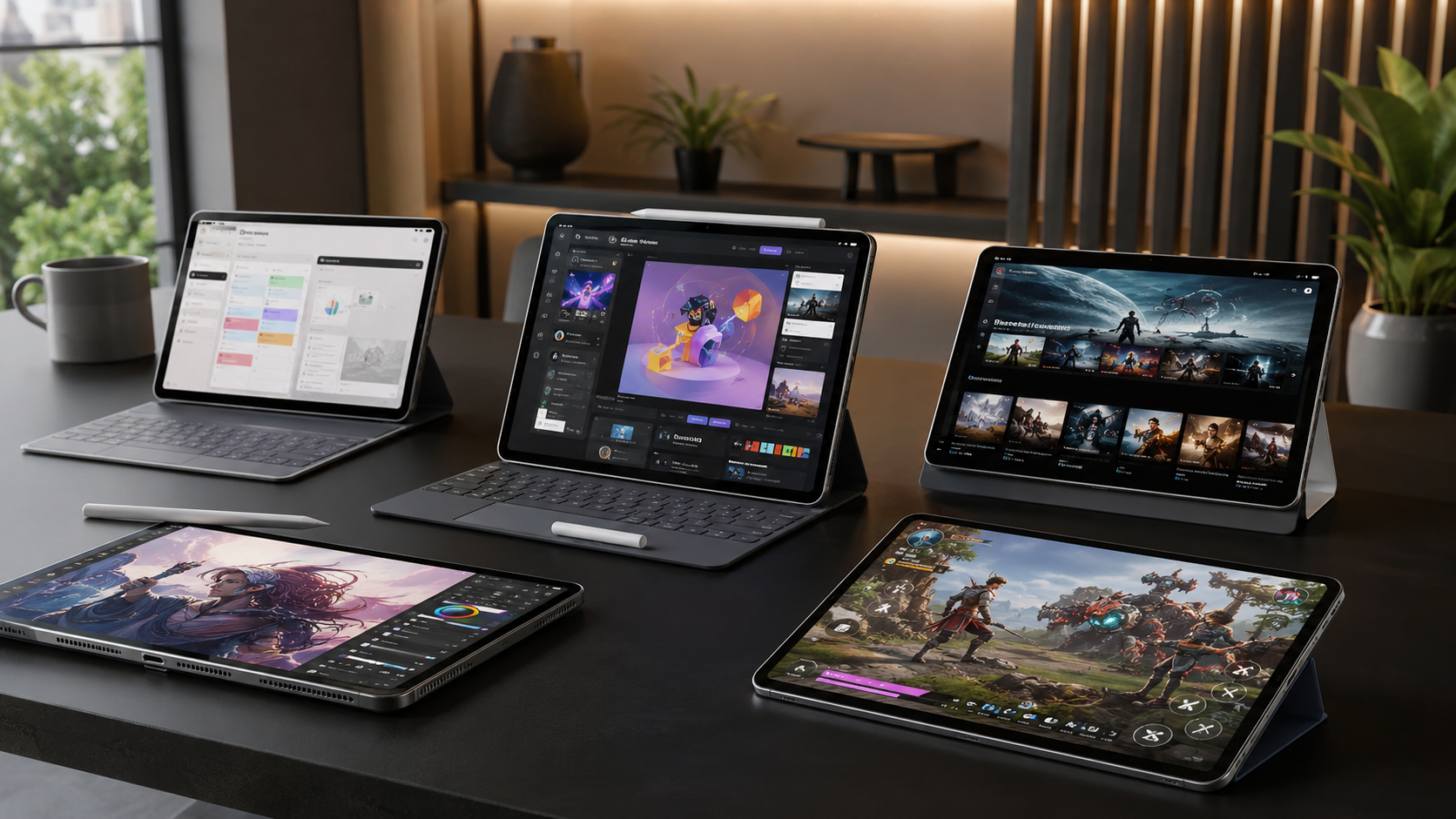
Choosing among the10 Best Tablets is harder than simply picking the newest model. Tablets now range from affordable entertainment devices to powerful machines capable of replacing a laptop for many workflows. Apple, Samsung, Microsoft, Google, Lenovo and gaming-focused brands all offer compelling choices, but the right tablet depends heavily on how you plan to use it.
For most people, the iPad Air M4 is the strongest balance of performance, portability and long-term usefulness. The iPad Pro M5 is the premium choice for demanding creative work, while Samsung’s Galaxy Tab S11 Ultra is an excellent Android alternative for multitasking and large-screen productivity. Windows users should look closely at the Surface Pro 11, and gamers have increasingly powerful options such as the OnePlus Pad 3 and RedMagic Astra 2. Current expert buying guides also place these families among the leading tablet choices for 2026.
The list below focuses on what actually matters: performance, display quality, software, portability, accessories and the type of user each tablet serves best.
The Best Tablets in 2026 at a Glance
| Tablet | Best For | Key Strength |
|---|---|---|
| Apple iPad Air M4 | Most people | Excellent performance and balance |
| Apple iPad Pro M5 | Professionals | Premium display and extreme performance |
| Samsung Galaxy Tab S11 Ultra | Android productivity | Huge AMOLED display and multitasking |
| Microsoft Surface Pro 11 | Windows users | Full Windows desktop experience |
| OnePlus Pad 3 | Android performance | Fast hardware and high-refresh display |
| Apple iPad A16 | Budget buyers | Straightforward everyday performance |
| Apple iPad mini A17 Pro | Portability | Powerful compact design |
| Google Pixel Tablet | Smart-home users | Clean Android and dock integration |
| Lenovo Idea Tab Pro Gen 2 | Value productivity | Large 144Hz display and accessories |
| RedMagic Astra 2 | Gaming | High-refresh OLED and gaming hardware |
How to Choose the Right Tablet
Before comparing individual models, narrow your requirements down to four areas: operating system, performance, screen size, and accessories.
1. Choose Your Operating System
iPadOS remains particularly attractive for users already invested in Apple devices and for people who want a mature tablet app ecosystem. Android offers more hardware variety, flexible multitasking and choices such as Samsung DeX. Windows is the better fit when you need conventional desktop software.
2. Match Performance to Your Workload
A premium processor is useful for video editing, 3D work, demanding games and heavy multitasking, but it is unnecessary for reading, streaming and web browsing. Spending more on processing power makes sense only when your applications can take advantage of it.
3. Pick the Right Screen Size
An 8-inch-class tablet is convenient for reading and travel. Around 11 inches is a strong all-purpose size. Large 12- to 14-inch models are better for split-screen work, drawing and keyboard-based productivity, but they are less comfortable to hold for long periods.
4. Consider the Accessories
A tablet can become substantially more useful with a keyboard, stylus or stand. However, accessories can also increase the total cost considerably. If you expect to use a tablet as a laptop replacement, include those extras in your buying decision.
10 Best Tablets in 2026
1. Apple iPad Air M4 — Best Overall
The iPad Air M4 is the easiest recommendation for most buyers because it combines high-end Apple silicon with a relatively approachable design. The 2026 model uses Apple’s M4 chip, has 12GB of unified memory, supports Apple Pencil Pro and is available in 11-inch and larger configurations.
Its main advantage is balance. You get enough performance for demanding creative applications and multitasking without stepping all the way up to the iPad Pro. The 11-inch version is also light enough to carry comfortably.
The limitation is its conventional 60Hz-class Liquid Retina display compared with the 120Hz ProMotion screen on the iPad Pro. For most productivity and creative work, however, that trade-off is reasonable.
Best for: students, professionals, creators and general users who want one tablet that does almost everything well.
2. Apple iPad Pro M5 — Best Premium Tablet
If money is less important than performance and display quality, the iPad Pro M5 is the premium choice. Apple equips it with an M5 processor, hardware-accelerated ray tracing, a 16-core Neural Engine and up to 2TB of storage. Its Tandem OLED Ultra Retina XDR display supports adaptive refresh rates up to 120Hz.
The combination is especially attractive for photographers, video editors, illustrators and other professionals who benefit from a high-quality screen and powerful hardware.
The drawback is simple: most people will not need this much performance. It also becomes considerably more expensive once you add storage and professional accessories.
Best for: professional creators and power users.
3. Samsung Galaxy Tab S11 Ultra — Best Large Android Tablet
Samsung’s Galaxy Tab S11 Ultra is designed for people who want a huge Android workspace. Its 14.6-inch Dynamic AMOLED 2X display has a 2960 × 1848 resolution, while the tablet supports the S Pen and microSD storage expansion up to 2TB. Samsung lists a 11,600mAh battery and up to 23 hours of wireless video playback.
The large display makes split-screen work, drawing and media consumption particularly enjoyable. Samsung DeX also gives the tablet a more desktop-like workflow, making it one of the strongest Android choices for productivity.
Its size is simultaneously its biggest weakness. This is not the tablet you buy for one-handed reading.
Best for: Android users, multitaskers, artists and large-screen entertainment.
4. Microsoft Surface Pro 11 — Best Windows Tablet
The Surface Pro 11 occupies a different category from conventional tablets because it runs Windows 11. That makes it especially useful when your work depends on desktop applications rather than mobile versions.
Microsoft lists a 13-inch-class design, up to 14 hours of local video playback and up to 10 hours of active web usage under its testing conditions.
Its biggest advantage is software flexibility. You can use familiar Windows applications and pair the device with a keyboard when you need a laptop-style workflow.
However, Windows desktop applications are not always optimized for touch, and the keyboard and other accessories add to the overall cost. ARM compatibility should also be considered if you rely on specialized legacy software.
Best for: professionals who need Windows applications in a portable form.
5. OnePlus Pad 3 — Best Android Performance
The OnePlus Pad 3 is an attractive choice for buyers who prioritize performance without wanting an ultra-premium Samsung tablet. Current 2026 tablet guides highlight its Snapdragon 8 Elite processor and high-refresh display, making it particularly appealing for gaming and demanding Android applications.
Its strength is speed. A fast processor paired with a high-refresh screen makes scrolling, gaming and multitasking feel responsive.
It is less compelling if your priority is a mature professional ecosystem comparable to Apple’s iPadOS or Windows. But for Android performance, entertainment and gaming, it deserves serious consideration.
Best for: Android power users and gamers.
6. Apple iPad A16 — Best Affordable iPad
The standard iPad with A16 is the practical option for buyers who want Apple’s tablet experience without paying for an Air or Pro. It has an 11-inch-class Liquid Retina display, an A16 chip, USB-C and support for Apple Pencil. Apple rates its battery for up to 10 hours of web browsing or video playback over Wi-Fi.
It is well suited to schoolwork, streaming, browsing, video calls and everyday apps.
Its compromises include a less advanced display and slower USB connectivity than Apple’s higher-end models. Those limitations matter for professional workflows but are much less important for ordinary users.
Best for: students, families and everyday users.
7. Apple iPad mini A17 Pro — Best Compact Tablet
The iPad mini A17 Pro remains unusual because it delivers serious performance in a genuinely compact body. It weighs about 293 grams for the Wi-Fi model and has an 8.3-inch laminated Liquid Retina display with Apple Pencil Pro support.
That makes it excellent for reading, note-taking, travel, navigation and casual gaming. The A17 Pro chip also gives it considerably more headroom than many small tablets.
The obvious compromise is workspace. An 8.3-inch screen is simply less comfortable for prolonged document editing or split-screen multitasking.
Best for: travelers, readers and anyone who values portability above screen size.
8. Google Pixel Tablet — Best for a Simple Android Experience
The Google Pixel Tablet remains appealing for users who prefer Google’s clean Android approach and want a tablet that can also participate in a smart-home setup. Current 2026 buying guides continue to recommend it as an accessible Android alternative to the iPad.
It is not the obvious choice for maximum gaming performance or professional creative workloads. Its appeal is instead simplicity: a familiar Google software environment, useful everyday apps and smart-home functionality.
Best for: Android newcomers, families and Google ecosystem users.
9. Lenovo Idea Tab Pro Gen 2 — Best Value Productivity Tablet
Lenovo’s Idea Tab Pro Gen 2 brings unusually strong display hardware to a value-oriented tablet. A current Lenovo specification listing describes a 13-inch 3.5K PureSight Pro display with a 144Hz refresh rate, Snapdragon 8s Gen 4 processor, 12GB RAM and 512GB storage. It also supports the Lenovo Tab Pen Plus and keyboard accessories.
That combination makes it interesting for students, note-takers and users who want a large, fast screen without jumping directly to premium iPad or Galaxy pricing.
Availability and regional configurations can vary, so check the exact model sold in your market.
Best for: students and value-focused productivity users.
Read More: Best Tablets in 2026
10. RedMagic Astra 2 — Best Gaming Tablet
For dedicated mobile gaming, the RedMagic Astra 2 takes a different approach. Recent testing highlights its Snapdragon 8 Elite Gen 5 processor, up to 16GB RAM, 512GB storage, 9.06-inch OLED screen and 185Hz refresh rate. It also uses liquid cooling and a large battery with 75W charging.
The compact OLED display and high refresh rate are particularly attractive for competitive games.
Its gaming-first software and design are less appealing for people who want a clean, general-purpose tablet. In other words, buy it because you game—not simply because the specifications look impressive.
Best for: serious mobile gamers.
Which Tablet Should You Buy?
Your best choice depends more on your workflow than on the specification sheet.
| Your Priority | Best Choice |
|---|---|
| Best balance overall | iPad Air M4 |
| Professional creative work | iPad Pro M5 |
| Large Android screen | Galaxy Tab S11 Ultra |
| Windows software | Surface Pro 11 |
| Android gaming | OnePlus Pad 3 |
| Affordable iPad | iPad A16 |
| Maximum portability | iPad mini A17 Pro |
| Simple Android experience | Pixel Tablet |
| Value productivity | Lenovo Idea Tab Pro Gen 2 |
| Dedicated gaming | RedMagic Astra 2 |
For most buyers, the iPad Air M4 is the safest recommendation. Move to the iPad Pro M5 if you know you need its display and performance. Choose Samsung when Android multitasking and a huge screen matter most. Pick Surface Pro when Windows applications are essential.
What to Look for Before Buying
1. Storage
Do not buy the smallest storage configuration automatically. Games, offline video, RAW photographs and creative projects can consume space quickly. Cloud storage helps, but it does not replace local storage for every workflow.
2. Stylus and Keyboard Support
Artists and students should check pen compatibility before buying. Likewise, anyone hoping to replace a laptop should verify the keyboard experience, trackpad support and available desktop-style software.
3. Software Support
A tablet is a long-term purchase, so software updates matter. Consider not only today’s features but also how well the operating system and applications fit your existing devices.
4. Portability
A powerful 14-inch tablet may be excellent on a desk but inconvenient on a commute. Think about where the device will actually be used before prioritizing screen size.
FAQ’s About 10 Best Tablets in 2026
What is the best tablet in 2026?
For most users, the iPad Air M4 offers the strongest overall balance of performance, portability and features. The iPad Pro M5 is better for demanding professional workloads.
Is an iPad better than an Android tablet?
Neither platform is universally better. iPads have a strong tablet-focused app ecosystem and excellent Apple integration, while Android provides more hardware variety and features such as Samsung’s DeX desktop interface.
Which tablet is best for students?
The iPad Air M4 is a strong all-round student choice, while the standard iPad A16 can make more sense when keeping the overall cost lower. A compatible stylus and keyboard can be valuable for notes and assignments.
Which tablet is best for gaming?
The RedMagic Astra 2 is specifically designed around gaming performance, while the OnePlus Pad 3 offers a strong Android gaming experience. High refresh rates and sustained performance are more important for gaming than simply having a large display.
Can a tablet replace a laptop?
Yes, for some users. An iPad or Android tablet can replace a laptop for browsing, communication, note-taking and many creative tasks. If you depend on full desktop applications, a Windows device such as the Surface Pro 11 is usually a more natural fit.
Is a large tablet better for productivity?
A larger screen can make multitasking and document work easier, but it reduces portability. A 12- to 14-inch tablet is best for desk-based productivity, while an 11-inch model is generally more versatile.
Conclusion
The best tablet in 2026 is not necessarily the most powerful or expensive model. It is the one that fits your software needs, workload, preferred ecosystem and budget.
The iPad Air M4 is the strongest general recommendation, while the iPad Pro M5 targets professionals who can exploit its extra capabilities. Samsung’s Galaxy Tab S11 Ultra is the standout large Android option, and the Surface Pro 11 remains the logical choice when Windows desktop software is essential.
For more specialized needs, the iPad mini A17 Pro excels at portability, the OnePlus Pad 3 and RedMagic Astra 2 appeal to gamers, and Lenovo’s Idea Tab Pro Gen 2 offers an interesting productivity-focused value proposition. Rather than buying based solely on processor numbers, choose the tablet that best matches how you will actually use it every day.
