

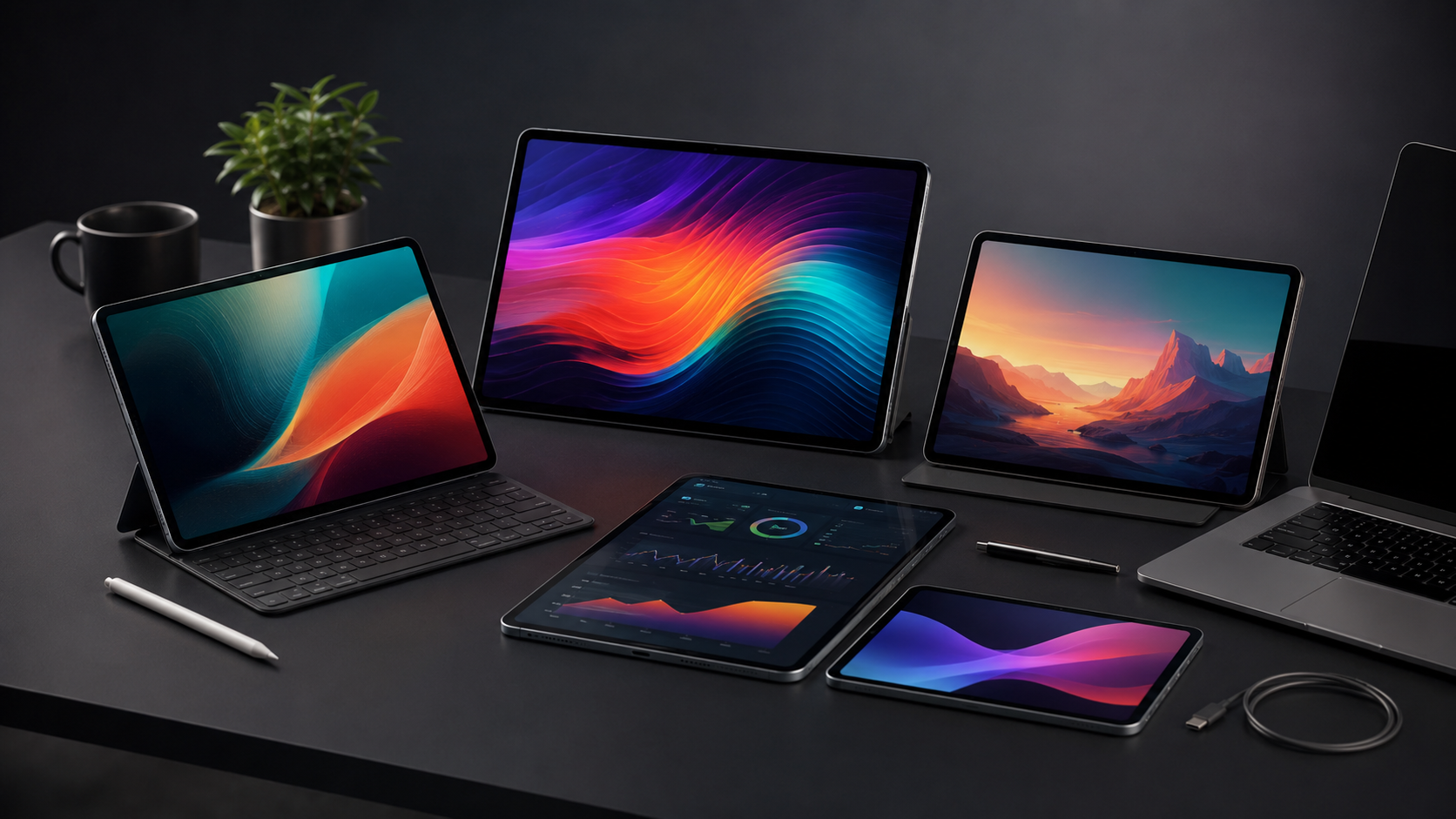
Choosing among the best tablets to buy in 2026 is harder than simply picking the fastest processor. Modern tablets range from affordable entertainment devices to genuine laptop alternatives, with major differences in display technology, battery endurance, software, accessories and price.
The strongest choices this year include Apple’s iPad lineup, Samsung’s Galaxy Tab S series, powerful Android alternatives and more affordable tablets from Xiaomi, Redmi and other manufacturers. Current expert buying guides highlight models such as the iPad Air, iPad Pro M5, Galaxy Tab S11 Ultra, OnePlus Pad 3 and Xiaomi Pad 8 as standout options across different categories.
The right tablet depends on what you actually plan to do with it. Students may prioritize battery life and note-taking, professionals may need desktop-class performance, while movie fans may care more about screen quality and speakers. This guide compares the most important factors so you can spend your money where it matters.
Best Tablets to Buy in 2026 at a Glance
| Tablet | Best For | Main Strength |
|---|---|---|
| Apple iPad Pro M5 | Professionals and creatives | Extreme performance and OLED display |
| Apple iPad Air M4 | Most iPad buyers | Performance-to-price balance |
| Samsung Galaxy Tab S11 Ultra | Large-screen Android users | Huge AMOLED display and multitasking |
| OnePlus Pad 3 | Android performance | Fast hardware and high-refresh display |
| Xiaomi Pad 8 | Value seekers | Strong features for the money |
| Apple iPad mini | Portability | Compact size and powerful hardware |
| Redmi Pad 2 | Budget buyers | Affordable everyday entertainment |
The exact best option changes according to your priorities, but these categories provide a useful starting point. Tech Advisor’s August 2026 guide similarly separates tablets into categories including overall, value, creative, large-screen, battery and compact choices.
Performance: How Much Power Do You Need?
1. Apple iPad Pro M5
For demanding workloads, the iPad Pro with Apple’s M5 chip sits at the high end of the tablet market. Apple lists configurations with up to 2TB of storage and, depending on capacity, 12GB or 16GB of RAM. The M5 platform also includes hardware-accelerated ray tracing and a dedicated Neural Engine.
That power makes sense for video editing, illustration, music production, 3D work and other demanding applications. For basic browsing, streaming and document editing, however, most people do not need this much performance.
2. Apple iPad Air M4
The iPad Air is the more sensible choice for many buyers who want high-end performance without paying for every professional feature. Current 2026 buying guides identify the M4 iPad Air as a leading mainstream iPad option.
It is particularly attractive for students, professionals and creators who want plenty of performance for multitasking, photo editing, note-taking and gaming.
3. OnePlus Pad 3
The OnePlus Pad 3 remains an impressive Android performance option. Its Snapdragon 8 Elite platform and high-refresh display put it firmly in the performance-focused category. TechRadar currently ranks it among its leading Android tablet choices.
For buyers who prefer Android but do not want to compromise heavily on speed, it is one of the most compelling alternatives to an iPad.
Display Quality Matters More Than You Think
A tablet’s screen affects almost everything you do, from reading and web browsing to gaming and watching movies.
1. Best Premium Display
The iPad Pro M5 uses a Tandem OLED Ultra Retina XDR display with ProMotion adaptive refresh rates up to 120Hz. The 11-inch model reaches up to 1,600 nits peak brightness for HDR content, according to Apple.
That combination makes it particularly attractive for photographers, video editors and designers who need accurate, high-quality visuals.
2. Best Large Android Display
Samsung’s Galaxy Tab S11 Ultra is designed around a much larger 14.6-inch Dynamic AMOLED 2X panel with a 2960 × 1848 resolution. Samsung also lists S Pen support, making the tablet suitable for handwritten notes, illustration and large-screen productivity.
Its size is both an advantage and a limitation. Split-screen work and movies are excellent, but it is less convenient to carry than an 11-inch tablet.
3. Best Value Screens
You do not necessarily need OLED to get a good tablet display. Midrange devices from Xiaomi, Redmi and other manufacturers increasingly offer high resolutions and high refresh rates at lower prices. The key is to consider brightness, refresh rate, viewing comfort and aspect ratio together rather than focusing on resolution alone.
Battery Life and Charging
Battery performance is one of the biggest reasons people choose tablets over laptops. A good tablet should comfortably handle several hours of mixed use without making you search for a charger halfway through the day.
Samsung lists an 11,600mAh typical battery for the Galaxy Tab S11 Ultra and claims up to 23 hours of wireless video playback under its stated testing conditions.
The OnePlus Pad 3 is also notable for battery and charging performance, while Tech Advisor currently places it among its top battery-focused tablet recommendations.
Remember that advertised battery figures are not directly comparable between manufacturers. Screen brightness, refresh rate, cellular connectivity, gaming and background applications can dramatically change real-world endurance.
For frequent travel, prioritize both battery capacity and charging speed. A tablet that charges quickly can be more useful than one with a slightly larger battery.
Software and Productivity
Hardware is only half the tablet experience. Software determines whether a tablet can genuinely replace your laptop for your particular workflow.
1. iPadOS for Creative Work
Apple’s tablet ecosystem remains particularly strong for creative applications, drawing, video editing and professional productivity. The combination of powerful Apple silicon, Apple Pencil support and a large selection of optimized apps gives iPads a mature software environment.
The downside is that iPadOS does not behave exactly like macOS or Windows. If your workflow depends on specialized desktop applications, check compatibility before buying.
2. Android for Flexibility
Samsung’s Android tablets are especially interesting for multitasking. The Galaxy Tab S11 Ultra combines a large display with S Pen support, expandable storage and Samsung’s productivity features. Samsung lists microSD support up to 2TB on the S11 Ultra.
Android can also be a better fit for people who already use Android phones and Google services.
3. Windows for Desktop Applications
If you need full desktop applications rather than tablet versions, a Windows 2-in-1 such as the Microsoft Surface Pro family deserves consideration. TechSpot currently lists the Surface Pro 11 as a leading productivity choice.
It is less tablet-like than an iPad or Galaxy Tab, but Windows can be the deciding factor for office software and specialized desktop programs.
Price and Value: Where Should You Spend?
The most expensive tablet is rarely the best value for everyone.
A professional who edits high-resolution video can justify the iPad Pro’s premium hardware. A student writing assignments and taking notes may get nearly everything needed from an iPad Air or capable Android tablet. Someone primarily watching YouTube and Netflix can spend considerably less.
Current 2026 recommendations reflect this spread: Tech Advisor highlights Xiaomi and Redmi models for value and budget categories while positioning premium iPads and Samsung’s Ultra tablet for demanding users.
Before buying, consider the total cost rather than the tablet alone. A keyboard, stylus, protective case and additional storage can substantially increase the final price.
Read More: Top 10 Tablets in 2026
Which Tablet Is Best for Your Needs?
1. Best for Professionals and Creatives
Choose the iPad Pro M5 if performance, display quality and professional creative applications are your priorities. Its hardware is overkill for casual users, but that is precisely why it works so well for demanding workflows.
2. Best for Most iPad Buyers
The iPad Air M4 is the more balanced choice. It provides high-end Apple silicon without requiring every buyer to pay for the iPad Pro’s premium display and professional features.
3. Best Large Android Tablet
The Galaxy Tab S11 Ultra is ideal if you want an enormous screen, Android flexibility, S Pen support and expandable storage. Its 14.6-inch AMOLED display makes it particularly appealing for split-screen productivity and entertainment.
4. Best Android Performance Value
The OnePlus Pad 3 is a strong pick for buyers who prioritize fast performance and a high-refresh display while staying in the Android ecosystem.
5. Best for Portability
The iPad mini remains difficult to beat if you want a genuinely compact tablet. Its smaller screen makes it less suitable for serious split-screen work, but it is convenient for reading, travel, note-taking and casual entertainment. Tech Advisor continues to list it as its compact recommendation.
What to Check Before Buying a Tablet
A good buying decision starts with your actual usage rather than a specification sheet.
- Processor: Choose more power if you edit media, game heavily or multitask.
- Display: OLED is excellent for contrast, while high refresh rates improve scrolling and gaming.
- Battery: Look for strong endurance and fast charging if you travel frequently.
- Storage: 128GB can be sufficient for basic use, but creators should consider 256GB or more.
- Accessories: Check the price and compatibility of keyboards and styluses.
- Software: Confirm that your essential applications work on the operating system.
- Connectivity: Decide whether Wi-Fi is enough or whether cellular connectivity is useful.
- Size: 8–9 inches favors portability; 11 inches is versatile; 13–14 inches favors productivity.
Common Buying Mistakes to Avoid
1. Buying More Performance Than You Need
A flagship processor does not automatically make a tablet a better purchase. If your workload consists mostly of email, browsing, reading and streaming, midrange hardware can be the smarter investment.
2. Ignoring Accessory Costs
A tablet marketed at an attractive price can become significantly more expensive after adding a keyboard, stylus and case. Compare complete setups rather than base prices.
3. Choosing a Huge Screen Without Considering Portability
Large tablets are excellent for productivity and movies, but they are heavier and less convenient for handheld use. Samsung’s Galaxy Tab S11 Ultra, for example, weighs about 692 grams in its Wi-Fi configuration.
4. Treating Battery Claims as Guaranteed Runtime
Manufacturer battery estimates use controlled testing. Real usage varies, so consider them useful benchmarks rather than promises.
FAQ’s About Best Tablets to Buy
What is the best tablet to buy in 2026?
There is no single winner for every buyer. The iPad Pro M5 is a strong premium choice, while the iPad Air M4, Galaxy Tab S11 Ultra and OnePlus Pad 3 target different needs and budgets.
Is the iPad Pro M5 worth buying?
It can be worth it for professionals, artists and creators who can use its performance and premium OLED display. For everyday tasks, the iPad Air is generally a more balanced option.
Is Samsung Galaxy Tab S11 Ultra good for productivity?
Yes. Its 14.6-inch AMOLED display, S Pen support, expandable storage and multitasking features make it particularly well suited to large-screen productivity.
Which tablet is best for students?
Students should prioritize battery life, note-taking support, software compatibility and price. An iPad Air, standard iPad or capable Samsung Galaxy Tab can all make sense depending on the required apps.
How much storage should a tablet have?
For browsing, streaming and documents, 128GB can be enough. Creators, gamers and people who keep large offline media libraries should consider 256GB or more.
Is an Android tablet better than an iPad?
Neither platform is universally better. iPads are particularly strong for optimized creative apps and long-term ecosystem integration, while Android tablets can offer greater hardware variety, expandable storage and deeper customization.
Conclusion
The best tablets to buy in 2026 are not defined by one specification. Performance, display quality, battery life, software and total cost all matter, and the right balance depends on how you intend to use the device.
For professionals and serious creators, the iPad Pro M5 offers exceptional performance and a premium OLED display. The iPad Air M4 is a more balanced choice for most Apple users, while the Galaxy Tab S11 Ultra stands out for buyers who want an enormous Android screen and S Pen functionality. The OnePlus Pad 3 is another compelling Android performance option, while Xiaomi, Redmi and compact iPad models cover value and portability needs.
The smartest purchase is therefore not necessarily the most expensive tablet. Start with your workload, choose the screen size you will actually carry, budget for accessories, and buy only as much performance as you can realistically use.
